27
3. System settings
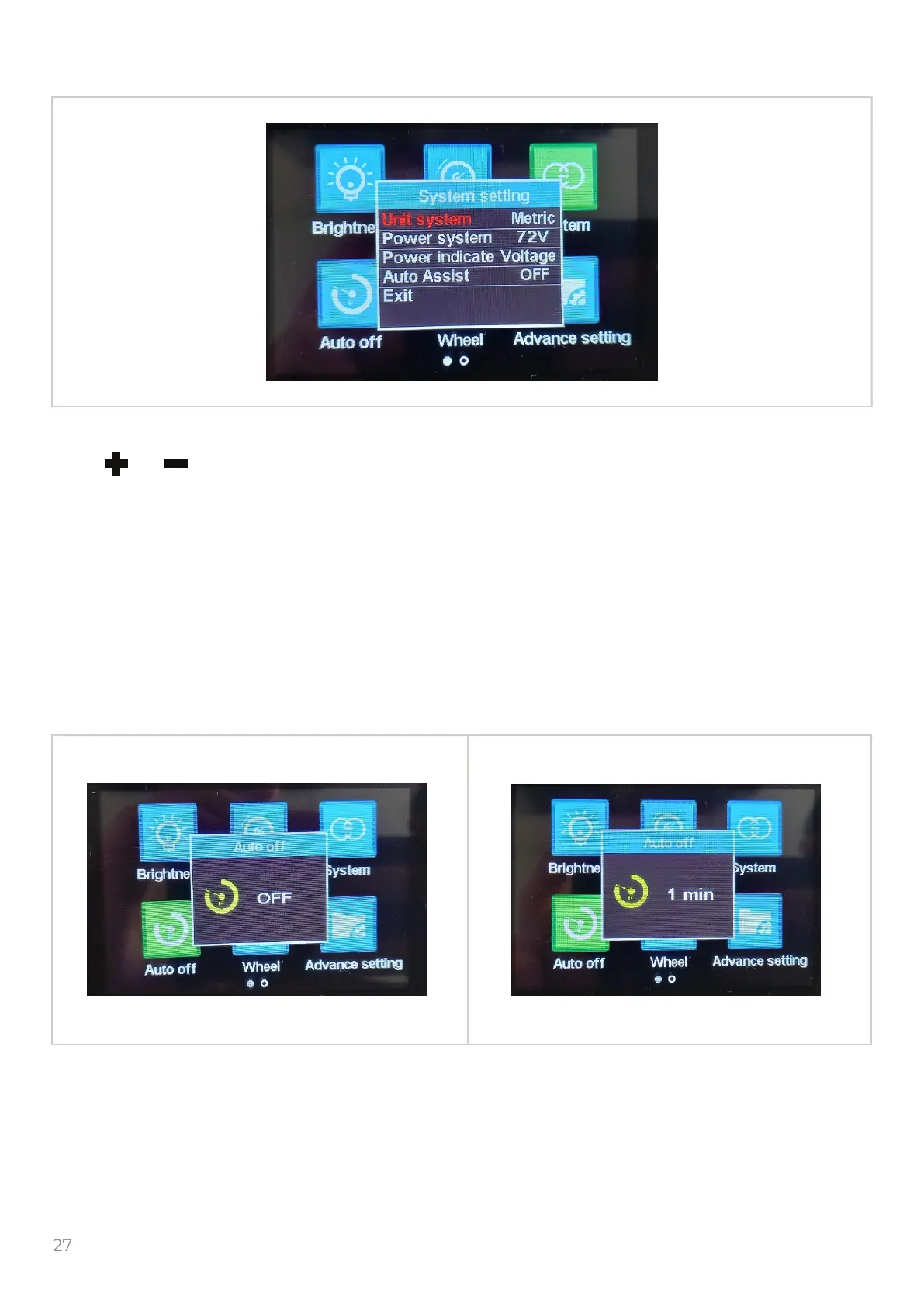
Select the “System” icon and push the to get into the system settings.
Push or to сhoose following settings:
Unit system – Metric/Imperial
Power system – 24V/36V/48V/72V. Always must be 72V, if the power system value is not 72V the
malfunction or damages may occur.
Power indicate – Shows the battery charge in Percent /Voltage.
Auto Assist – not supported by this hardware.
To return in previous menu select the “Exit” and push the button.
4. Auto off settings
This function do not operate.
To return in previous menu push the button.
M
M
M


 To Next Page