30
9. Password and access
10. General information
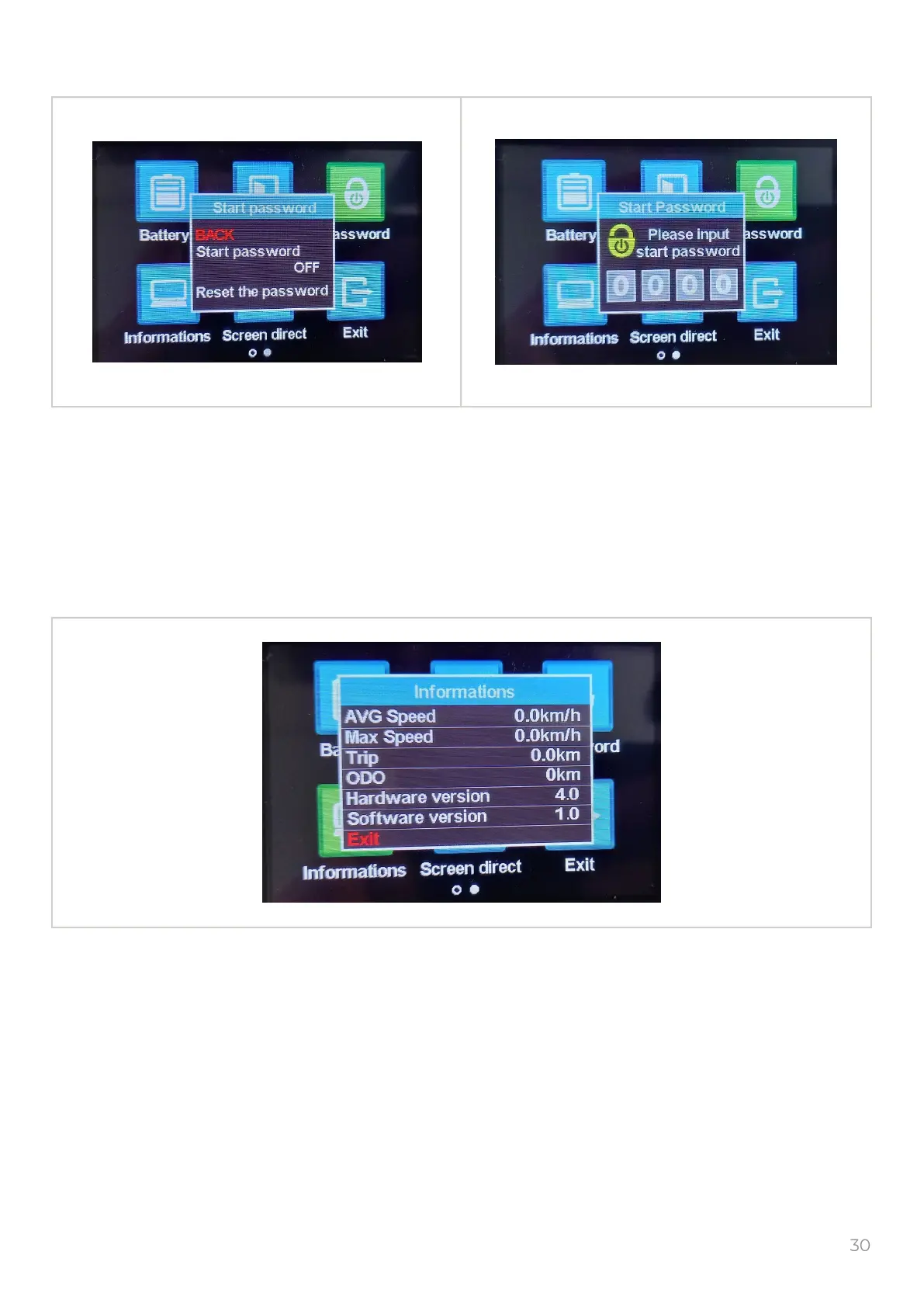
Select the “Password” icon and push the to get into the “Start password” window.
You can set the password to enter the menu.
The password is not set by default.
Setting a password and losing it will result in inability to enter the menu.
Select the “Informations” icon and push the to get into the “Informations” window.
It will show general information of display.
Settings can not be changed.
To return in previous menu select the “Exit” and push the button.
M
M
M



 To Next Page