31
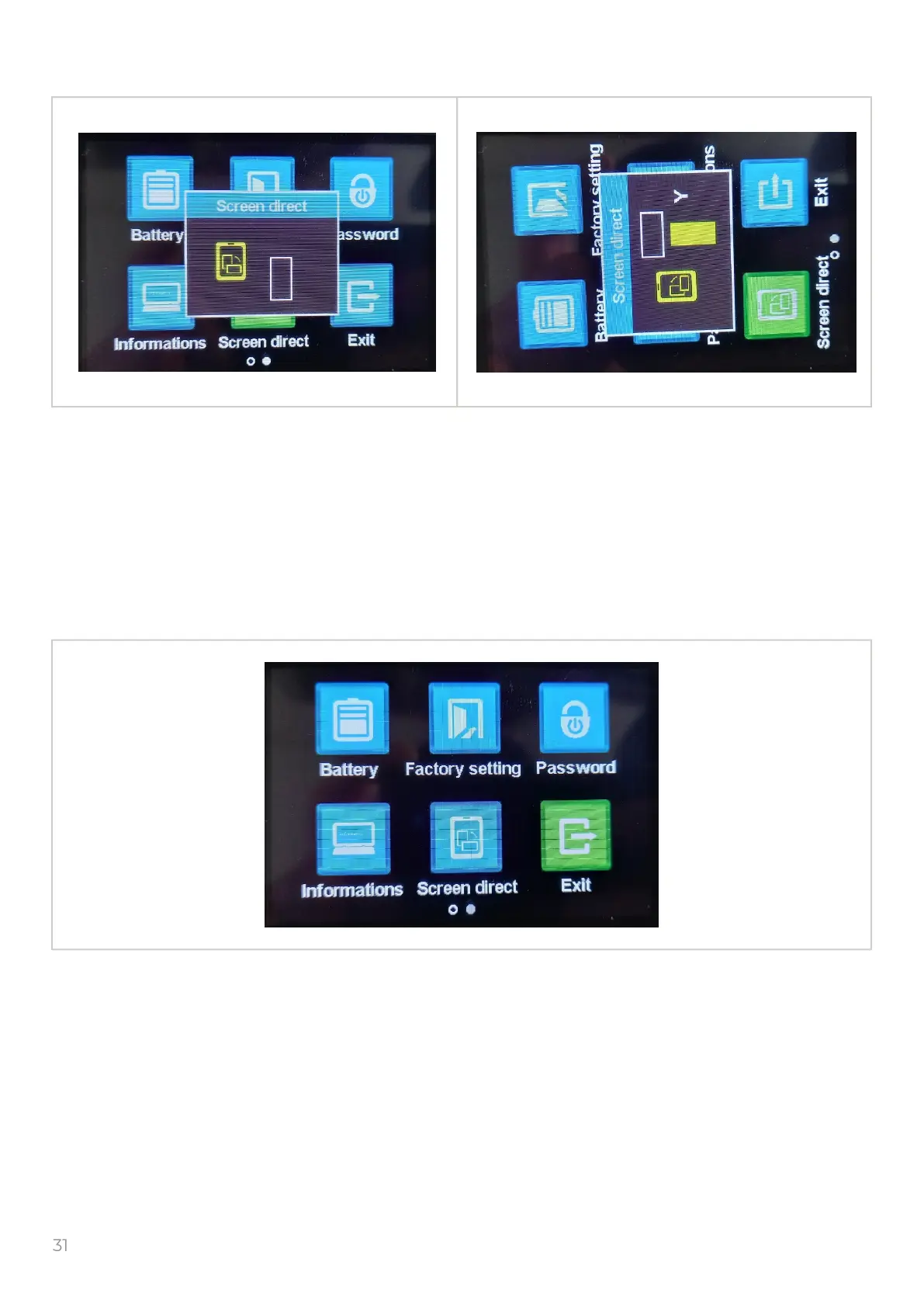
Select the “Screen direct ” icon and push the to get into the “Screen direct ” window.
Screen direct - changing the orientation of the display, you can choose horizontall or vertical
orientation
By default the display is horizontal.
To return in previous menu push the button.
12. Exit
11. Screen orientation
Select the “Exit” icon and push the to get into the rst page.
M
M
M



 To Next Page