26
M
M
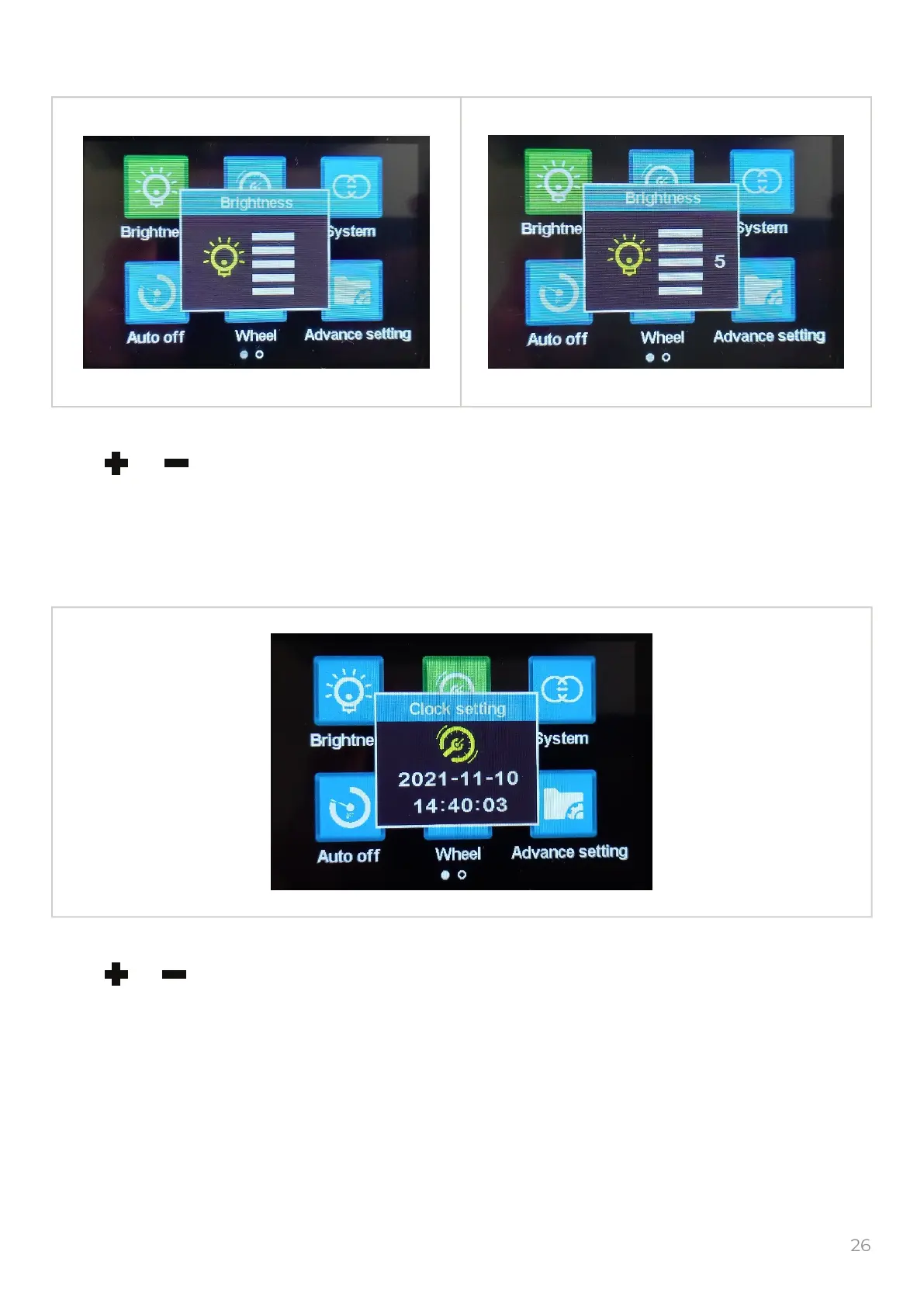
1. Backlight brightness
Select the “Brightness” icon and push the to get into the brightness adjusting settings.
Push or to change the backlight brightness, it has 5 levels, you can choose the most
comfort.
To get into the previous menu push the button.
2. Clock settings
Select the “Clock” icon and push the to get into the clock settings.
Push or to set the Year/Month/Day/Hour/Min/Sec.
To return in previous menu push the button.
M
M


 To Next Page