51
GPS Tracker.
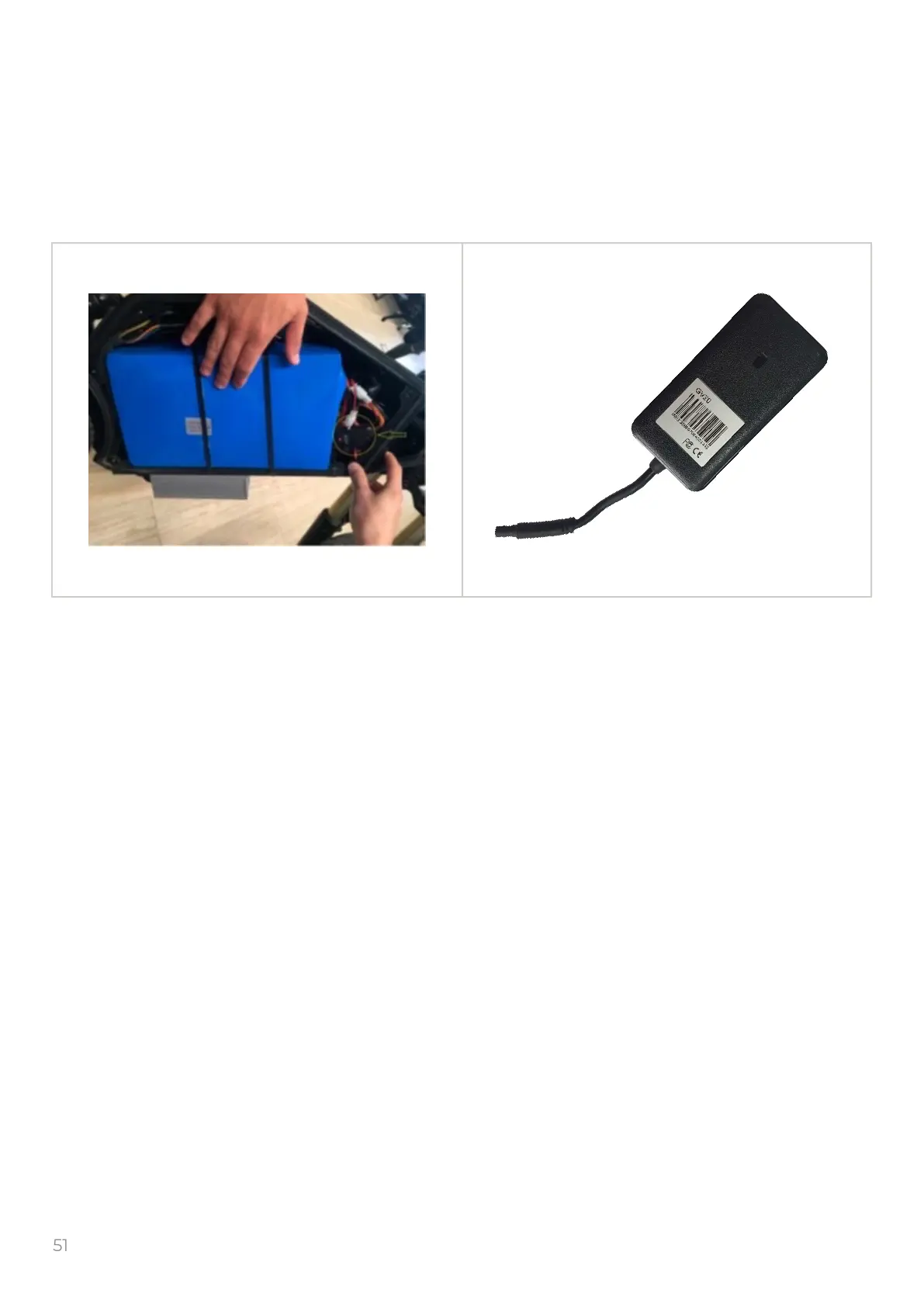
Please be advised that there is a GPS tracker installed inside your e-bike's frame. With its help,
you can track the location of your e-bike, travel routes and analyze trips.
The device will reply “OK” on every SMS if setting succeeds.
In order for your GPS tracker to start working, you need:
1. Sign up at my.delfastbikes.com, if you are already registered then skip this step.
2. Buy a SIM card from a local operator and insert it into the GPS tracker.
3. Send two SMS commands to the GPS tracker:
a. APN,APN`s name# (“APN`s name” – You can ask your mobile operator.)
b. SERVER,1,my.delfastbikes.com,23724,0#
4. To verify that the GPS tracker is congured, you can send SMS: GPRSSET#
5. After you do this, send us an IMEI of the tracker to email: support@delfastbikes.com
In order to obtain an IMEI of the tracker you need to send SMS: PARAM#
After that, you will be able to track your travel routes, your e-bike's location and analyze your
trips in the GPS Tracking menu.
In addition, you can use the SMS commands:
Device status: STATUS#
Device coordinate: WHERE#


 To Next Page