Repair information 4-71
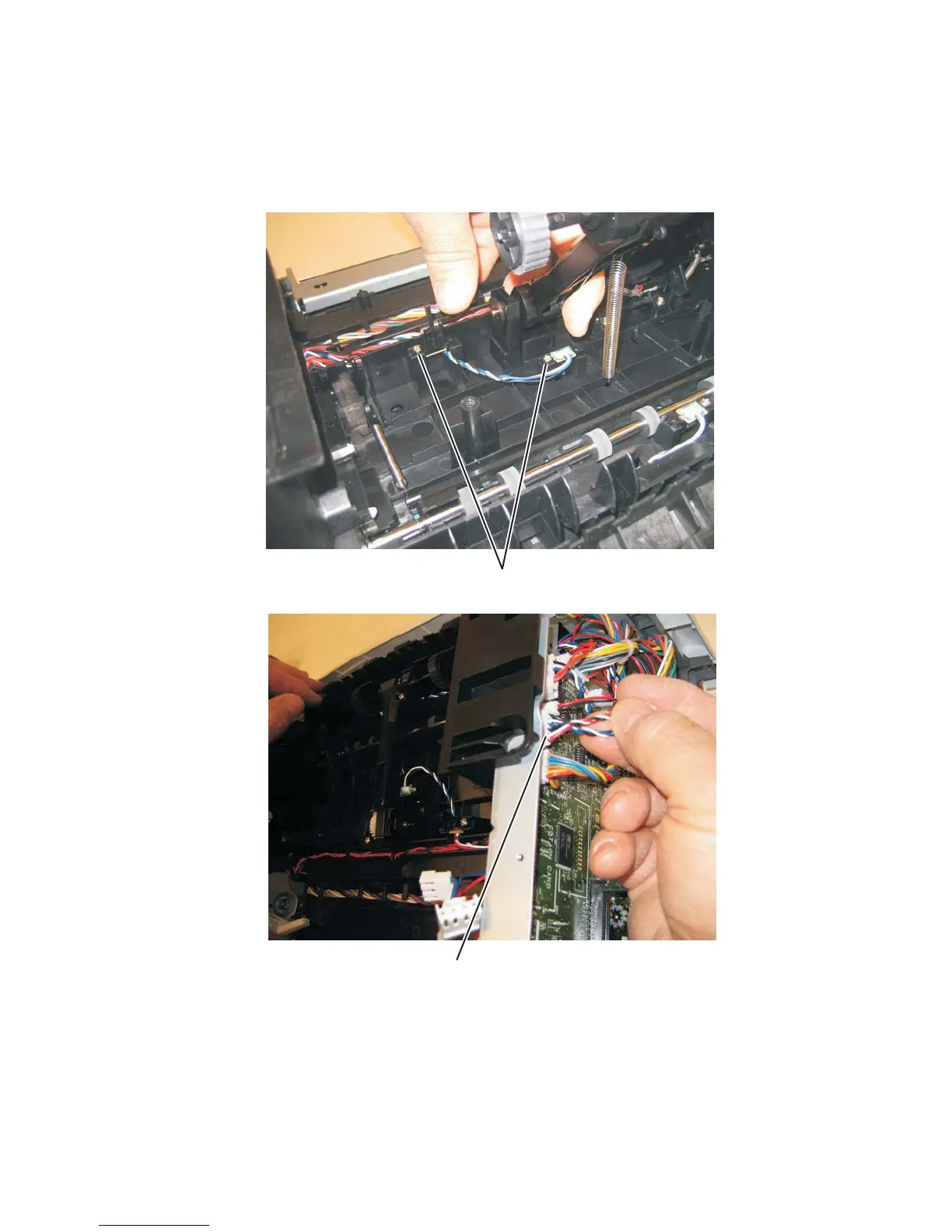
Paper input and duplex sensor assembly removal
1. Remove the right side cover. See “Right side cover removal” on page 4-77.
2. Remove the duplex. See “Duplex removal” on page 4-19.
3. Remove the two screws (A) from the sensors.
4. Disconnect the sensor cable (B) from the controller board.
5. Remove the paper input and duplex sensor assembly.












 To Next Page