Repair information 4-77
Right side cover removal
Note: Leave the front cover closed when removing the right side cover assembly.
1. Remove the scanner front cover. See “Scanner front cover removal” on page 4-31.
2. Lift and lock the scanner assembly in the up position. See “Lifting the Scanner to the up position” on
page 4-102.
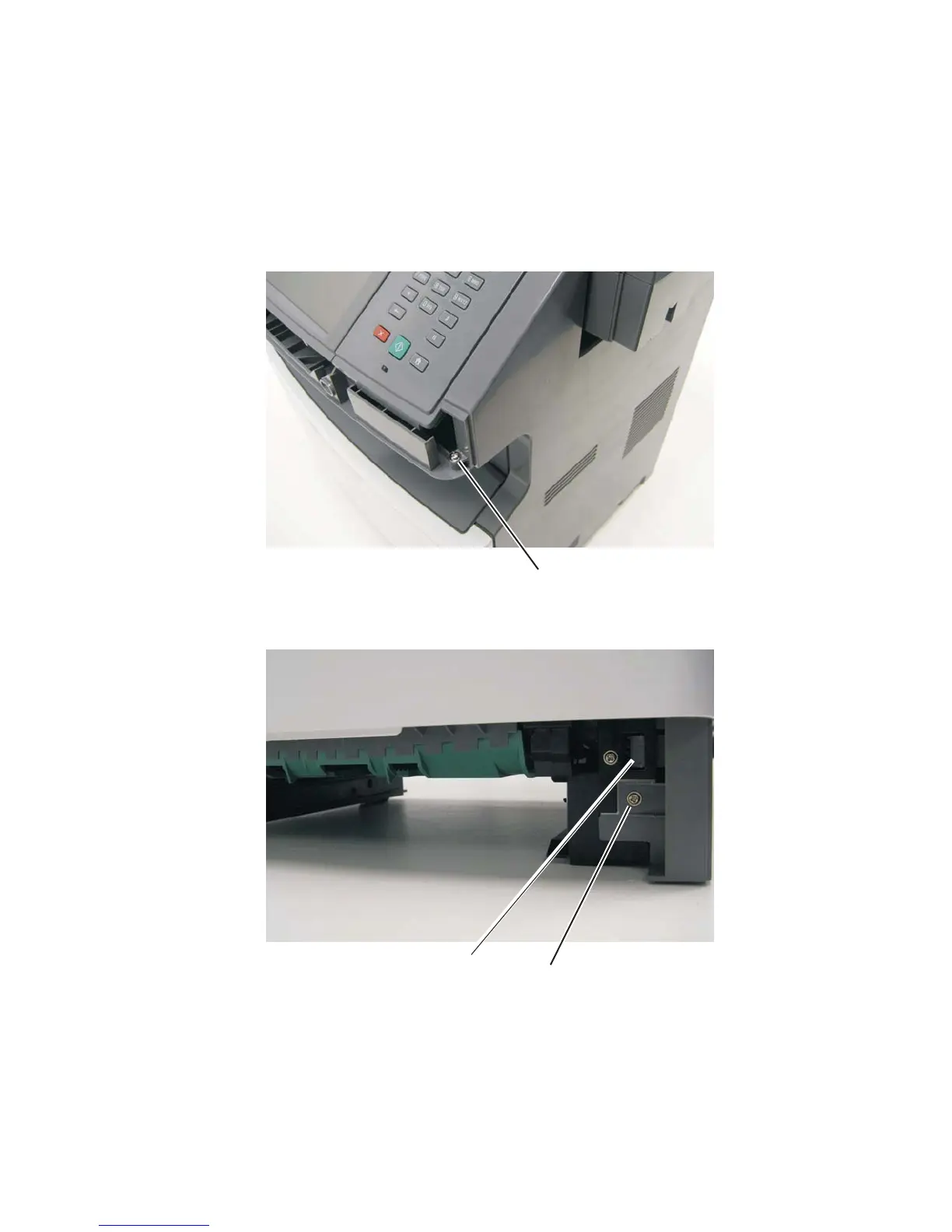
3. Remove the plastic screw (A) securing the cover to the tub assembly.
4. Remove the screw (B) from the bottom right side of the printer.
5. Open the MPF cover.
6. Depress the tab (C) and pull the front of the MPF cover away from the printer slightly.
C












 To Next Page