4-80
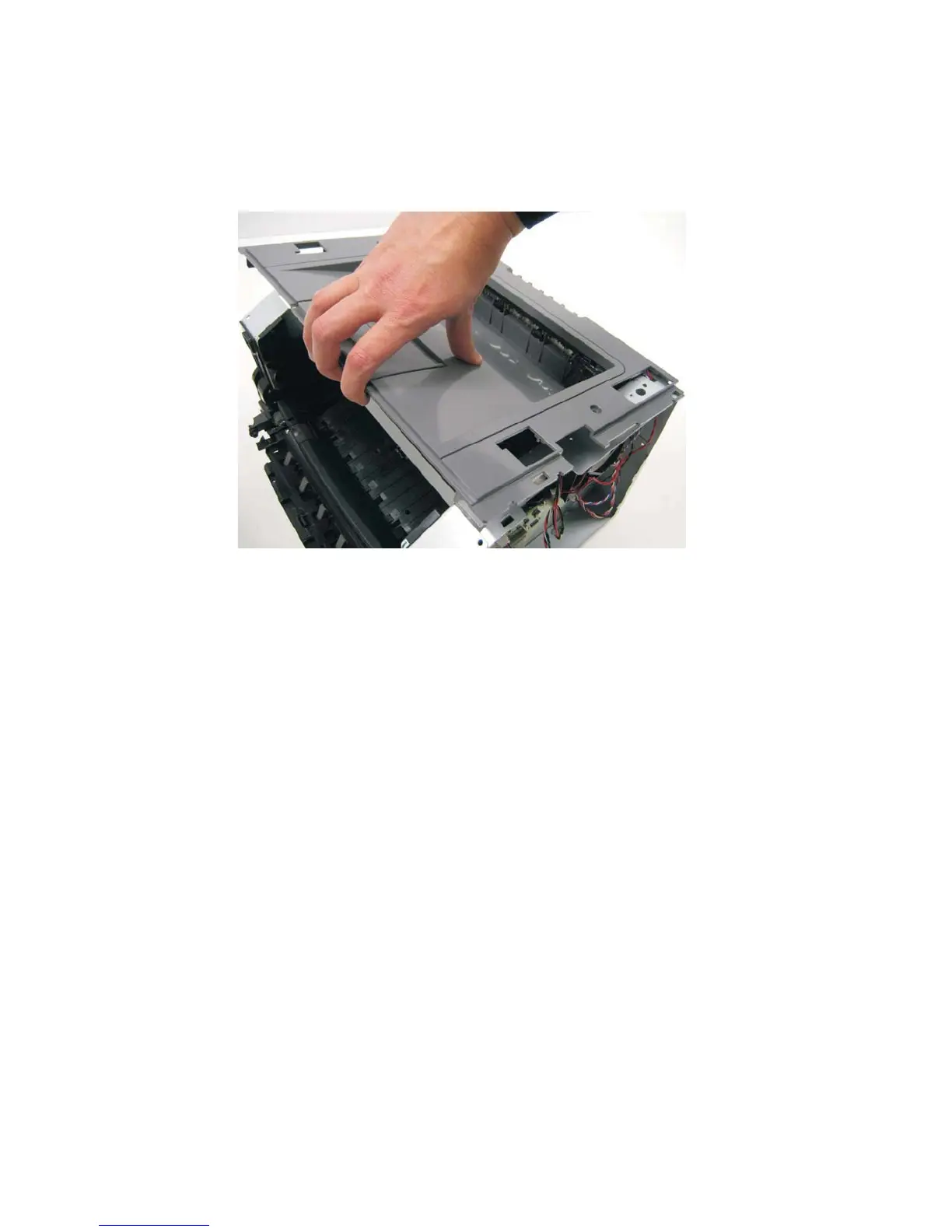
Top cover assembly removal
1. Remove the scanner assembly. See “Scanner assembly removal” on page 4-88.
2. Lift the top cover, and remove.
Note:
• Be sure to lift the top cover assembly from the front to remove.
• During reinstallation, be sure the exit guide and the paper bin align correctly. A mismatch can cause paper
jams.












 To Next Page