1-16 Rack Installation Guide
Removing the Doors From the 24-U Rack
CAUTION: To prevent personal injury due to the size and weight of the
doors, never attempt to remove or replace the doors by yourself.
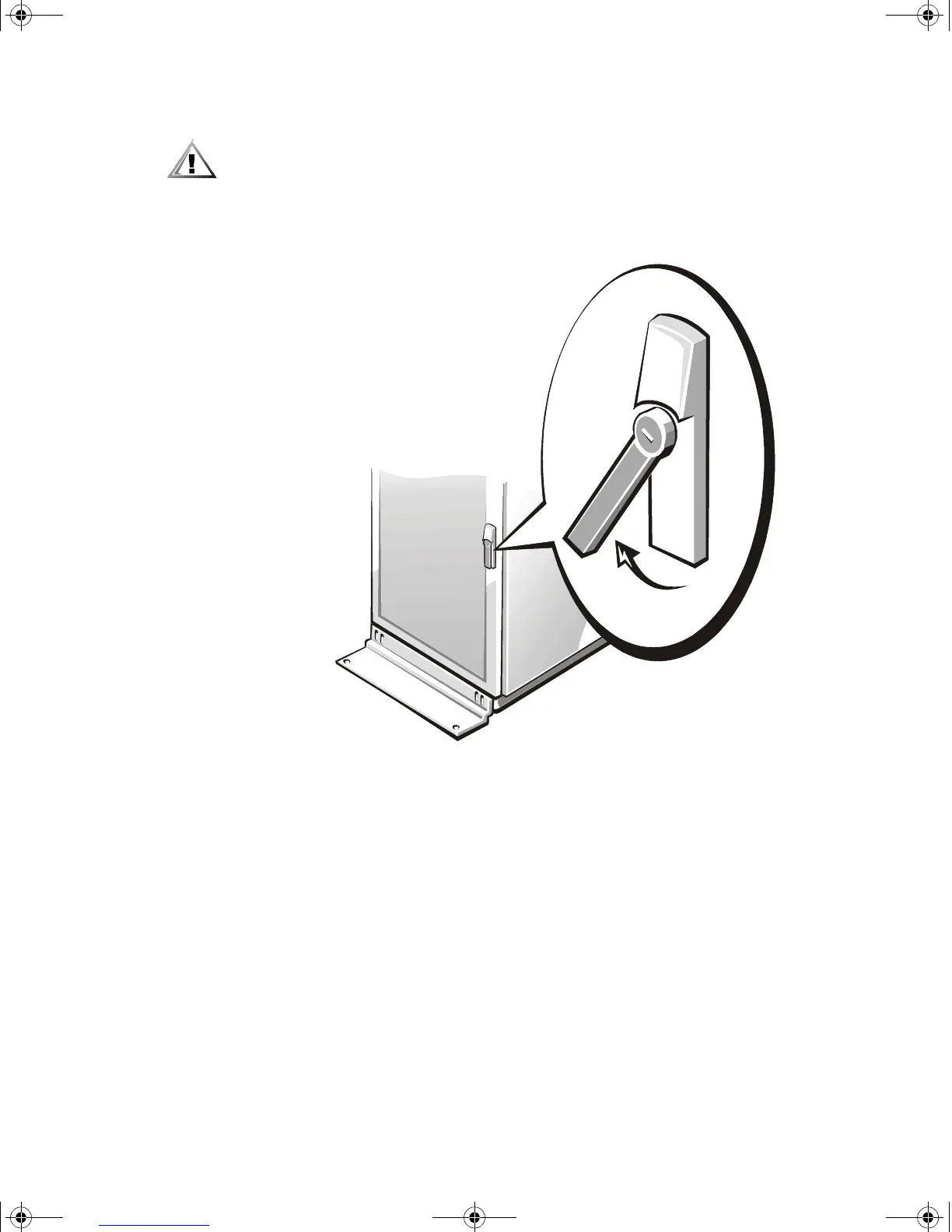
1. Unlock and twist the handle clockwise (see Figure 1-13).
2. Open the front door.
Figure 1-13. Opening the 24-U Rack Door
2D786bk0.book Page 16 Thursday, January 18, 2001 8:44 PM



 To Next Page