support.dell.com Rack Installation Guide 1-19
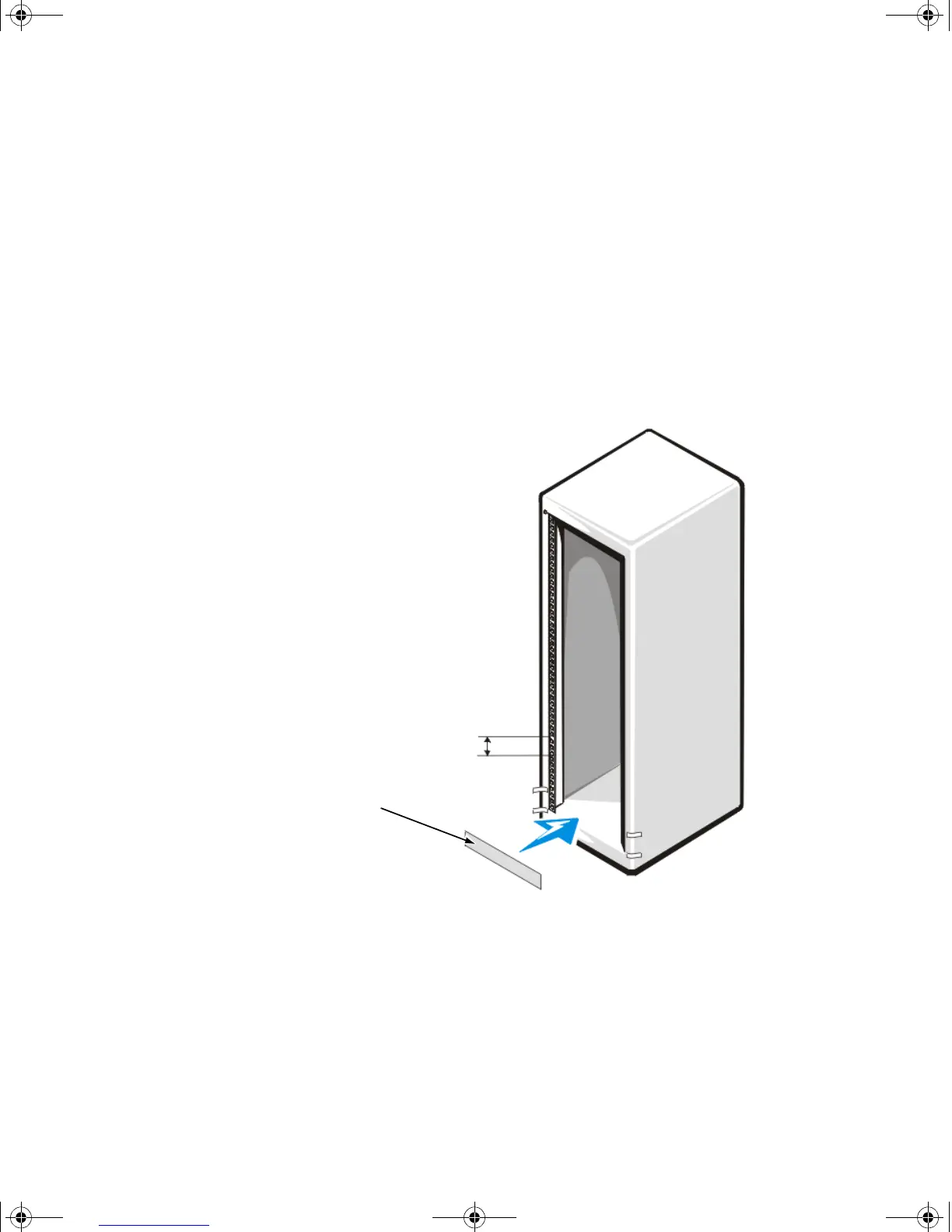
To install the slide assemblies in the rack, perform the following steps:
1. Place the front of the template on the vertical rails at the front of the rack where
you want to install the system.
2. Ensure that the printing on the template identifies the side facing outwards as
the template front.
3. Position the bottom of the template in line with the desired bottom position of
the system chassis.
4. Mark the rack’s front vertical rails with a felt-tipped marker or place masking tape
where the system’s upper and lower edges will be located (see Figure 1-16).
5. Make a mark or place tape on the vertical rails next to the template’s V-shaped
notches.
Figure 1-16. Using Template to Mark Vertical Rails
1-U template
1 U (1.75 inches) between
slide assemblies
(drawing is not to scale)
2D786bk0.book Page 19 Thursday, January 18, 2001 8:44 PM



 To Next Page