Back to Contents Page
Wireless Mini-Card
Dell™ 500 Service Manual
CAUTION: Before you begin any of the procedures in this section, follow the safety instructions in the
Product Information Guide.
NOTICE: To help prevent damage to the system board, you must remove the battery from the battery bay before you
begin working inside the computer.
If you ordered a wireless Mini-Card with your computer, the card is already installed. Your computer supports Wireless Local
Area Network (WLAN) Mini-Card.
Removing Mini-Card
1. Follow the procedures in Before You Begin.
2. Turn the computer over.
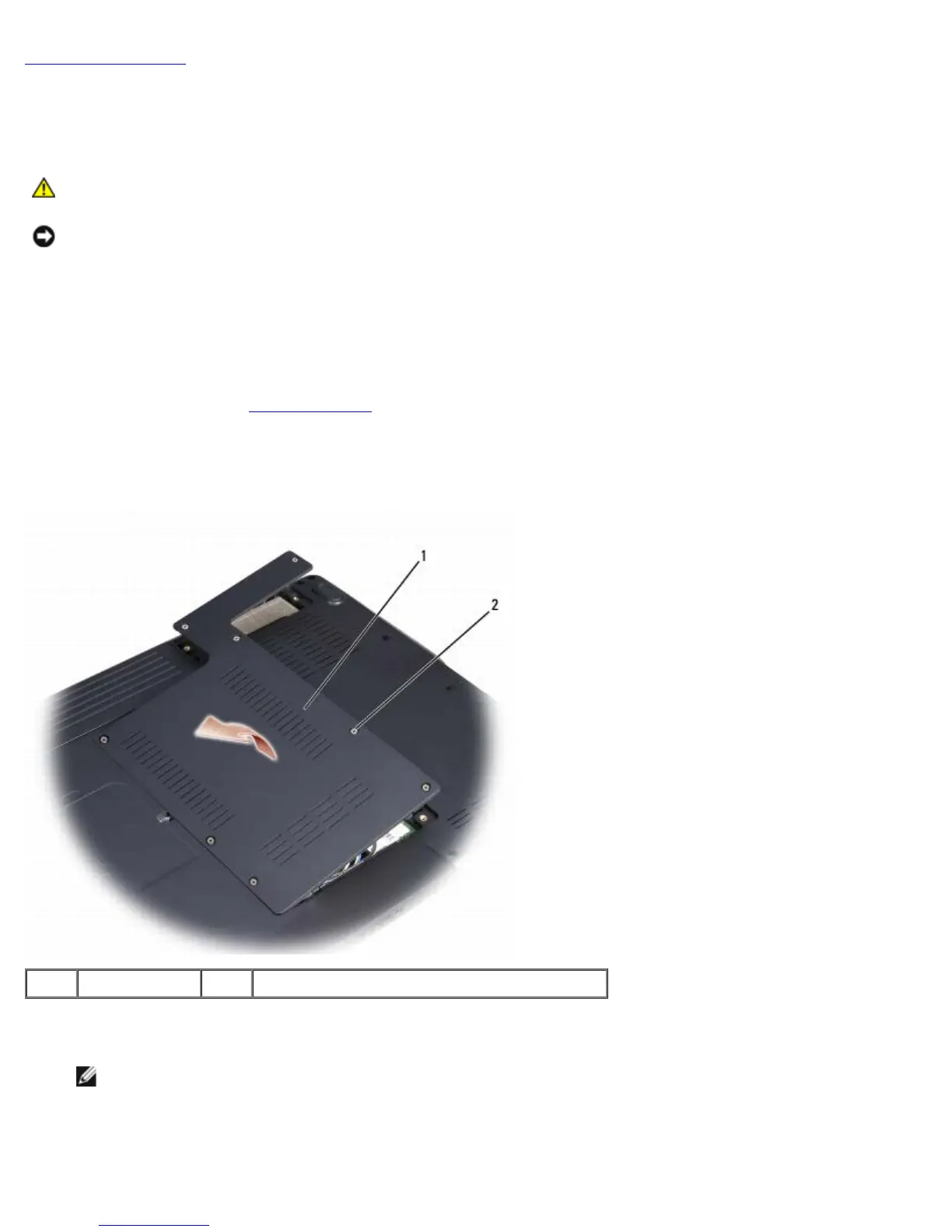
3. Loosen the eight captive screws securing the back and remove the cover.
1 cover 2 captive screws (8)
4. Disconnect the antenna cables from the Mini-Card.
NOTE: The Mini-Card may have two or three connectors, depending on the type of card you ordered.





 To Next Page