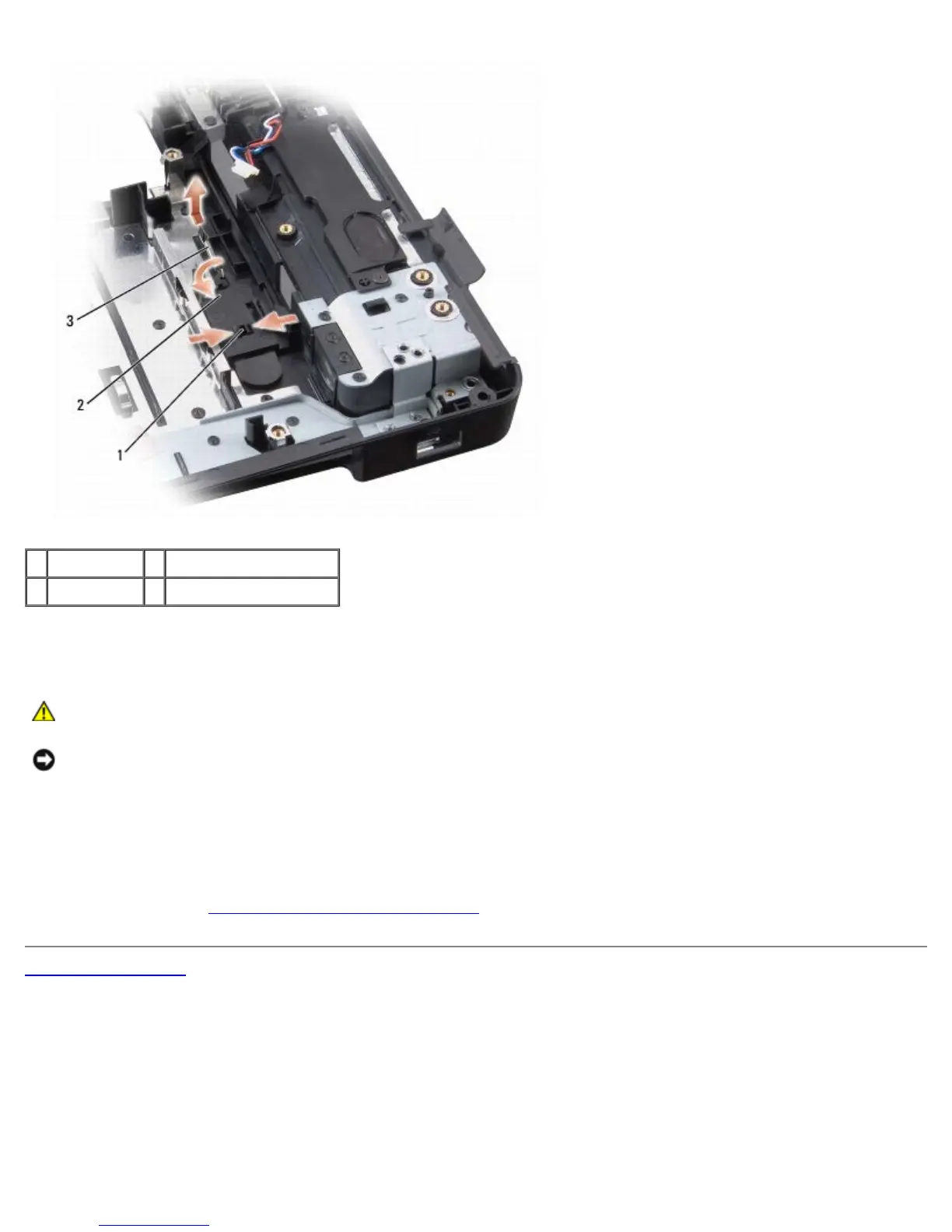
1 plastic grips 2 battery latch assembly
3 spring
Replacing the Battery Latch Assembly
CAUTION: Before you begin the following procedure, follow the safety instructions in the Product
Information Guide.
NOTICE: Ensure the battery latch assembly is properly oriented. The indent for the screw should face up when
installing the assembly.
1. Slide the battery latch assembly into place.
2. Replace the spring.
3. Align the battery release button with the hole in the battery latch assembly, then press the button into place.
4. Follow the steps in
Removing the Battery Latch Assembly in the reverse order.
Back to Contents Page













 To Next Page