Operating the monitor | 45
3.
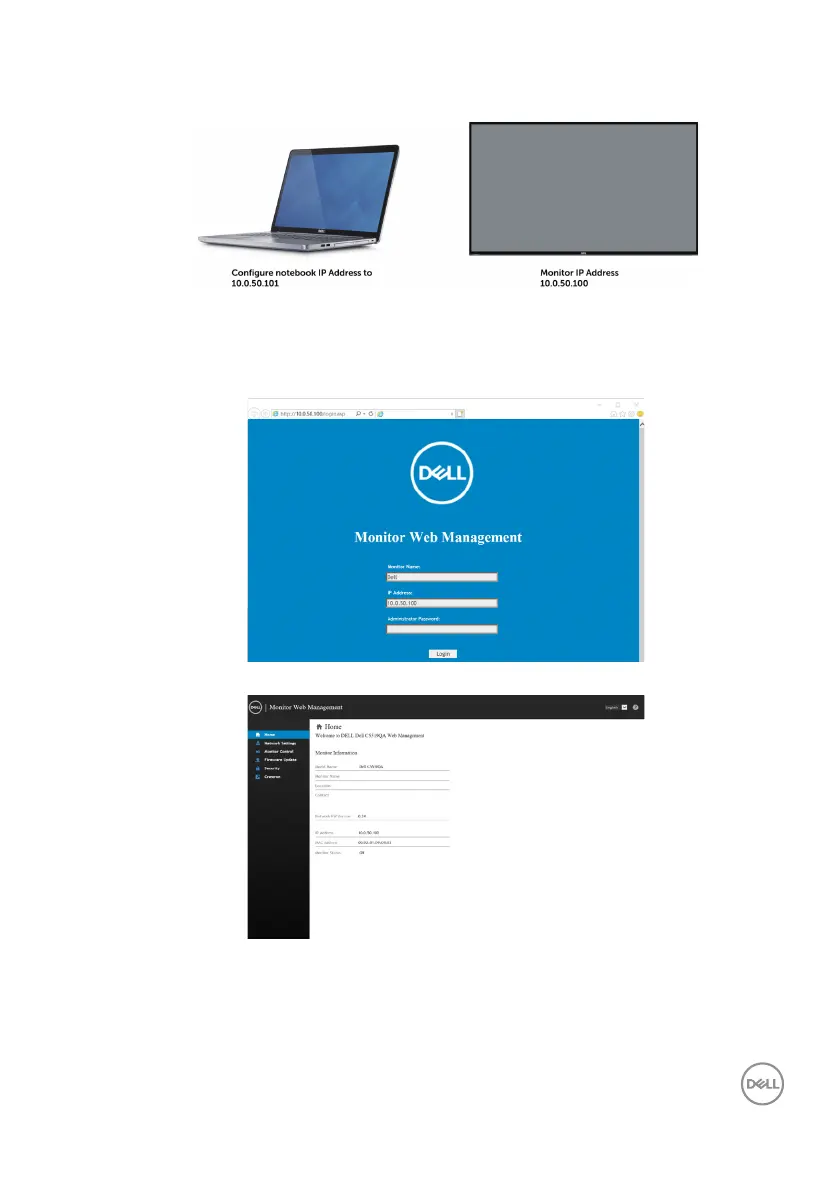
The IP Address configuration would now look like this:
To access and use the web management tool, follow these steps:
1. Open a web browser and type the monitor’s IP Address (10.0.50.100) in the
address bar.
2. The log-in page opens. Enter the Administrator Password to continue.
Dell C5519QA
3. The Home page opens.














 To Next Page