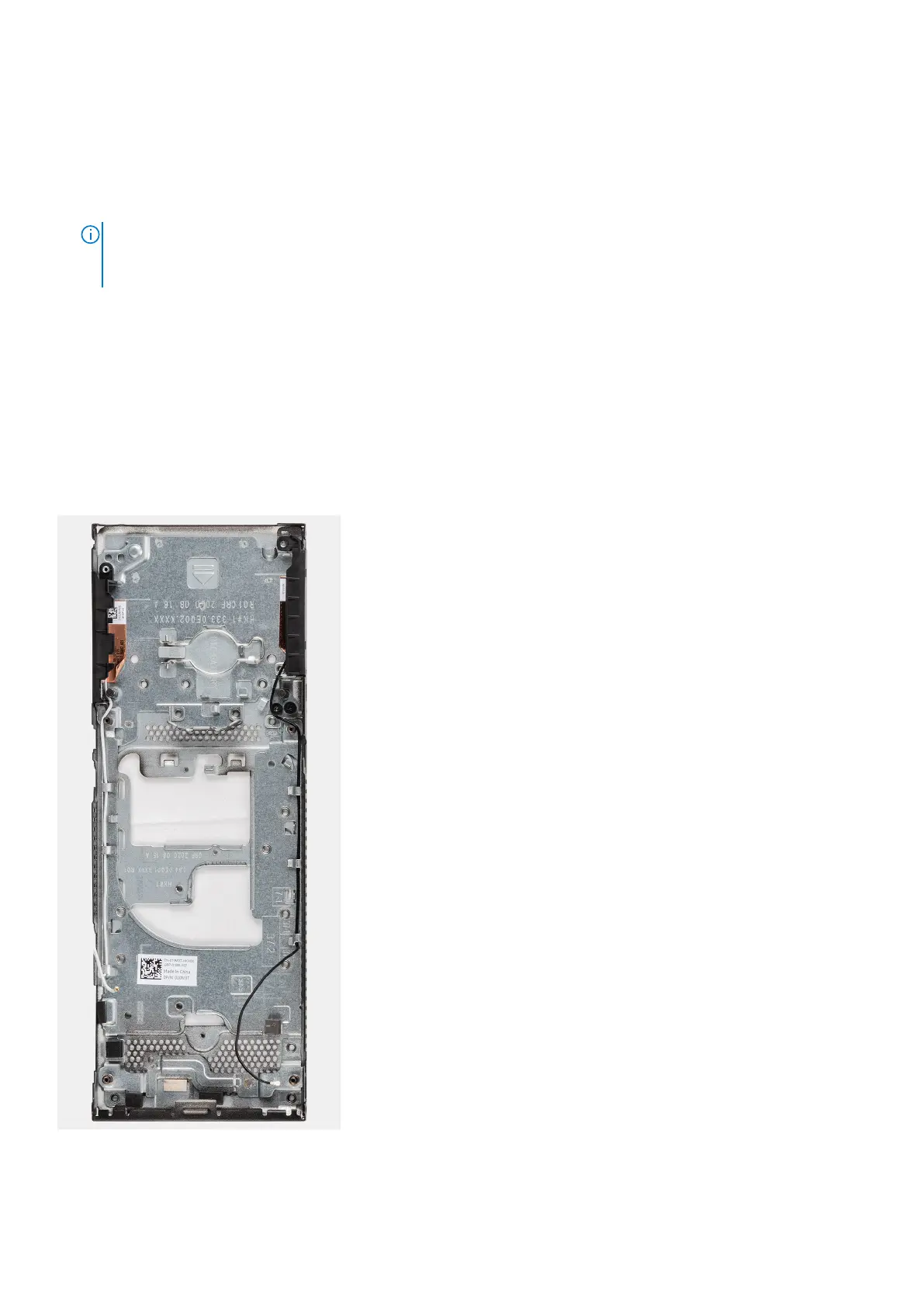
Replacing the chassis
Prerequisites
1. Follow the procedure in before working inside your device.
2. Remove the hard-drive assembly.
NOTE: For systems with solid-state drive module in hard-drive bay
● Remove the M.2 2280 solid-state drive in hard-drive bay/M.2 2230 solid-state drive in hard-drive bay.
● Remove the daughter board.
3. Remove the cover.
4. Remove the system fan.
5. Remove the WLAN card.
6. Remove the solid-state drive.
7. Remove the power button
8. Remove the memory module.
9. Remove the coin-cell battery.
10. Remove the system board.
About this task
After removing the above components, we are left with the chassis.
48 Removing and installing components



 To Next Page