32 | Operating the monitor
Operating the monitor
Power on the monitor
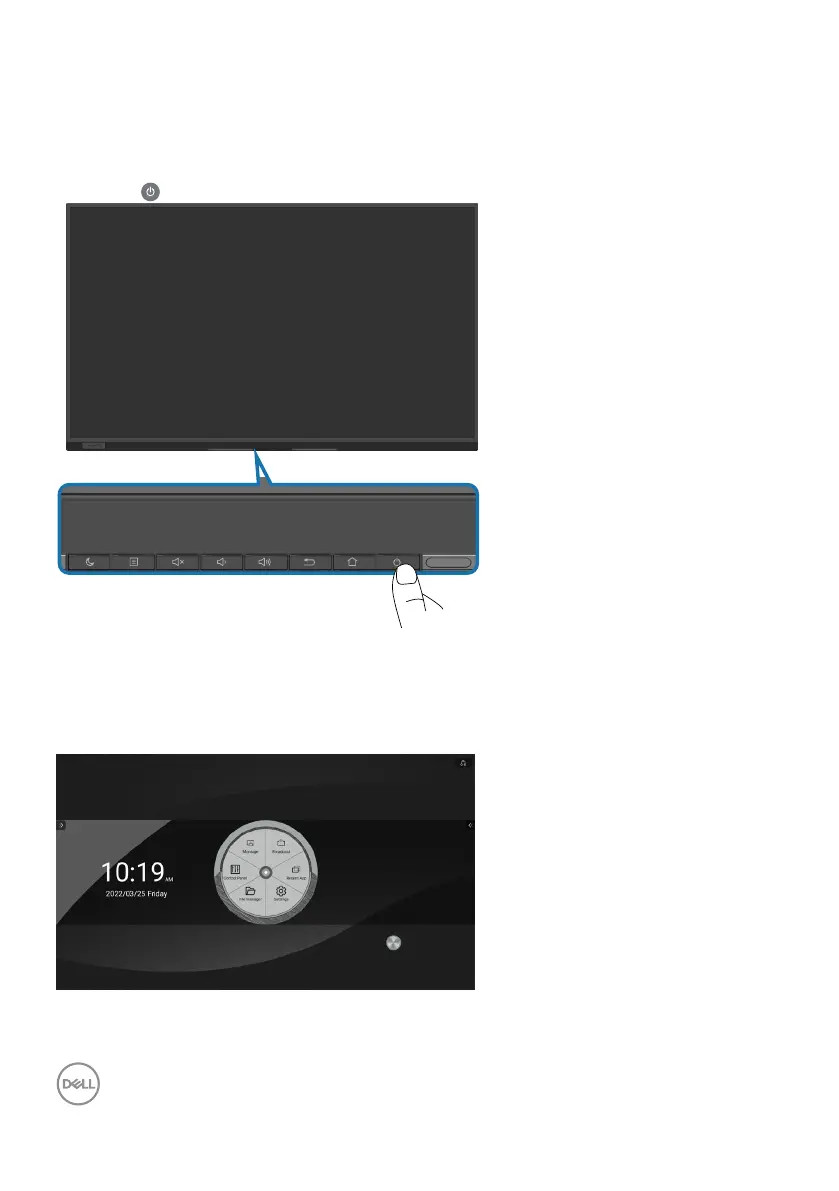
Press the button to turn on the monitor.
After you first power on the system. Follow the on-screen instructions to set up the
language, network, date and time.
Home Launcher
The system will go to Home Launcher after it finished the initial process, it is
the main page of this display.











 To Next Page