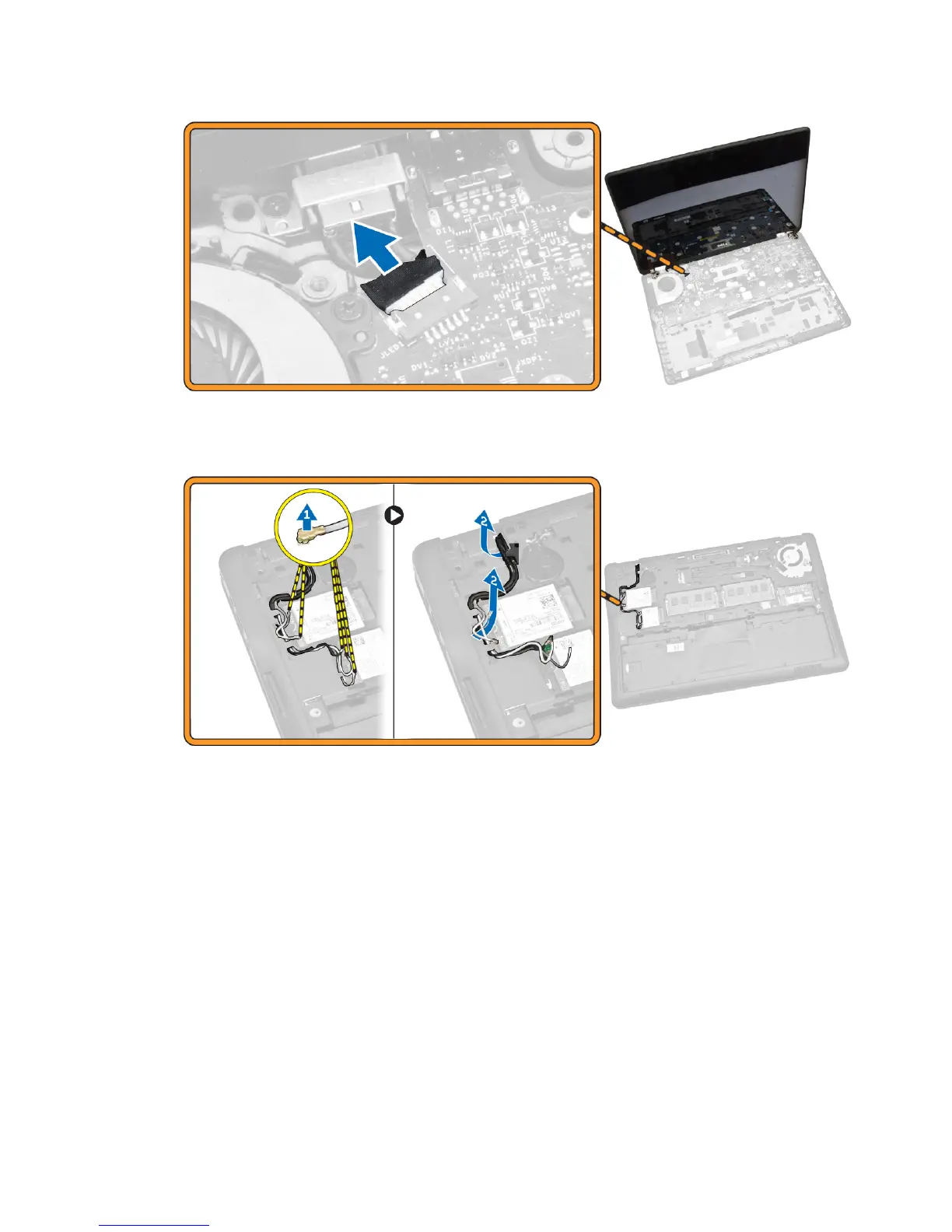
4. Perform the following steps as shown in the illustration:
a. Disconnect the WWAN and WLAN cable from the computer [1].
b. Unroute the cable from the slot [2].
5. Perform the following steps as shown in the illustration:
a. Remove the screw that secures the display cable to the computer [1].
b. Lift the tab that secures display cable to the computer [2].
c. Disconnect the cable from the computer [3].
22














 To Next Page