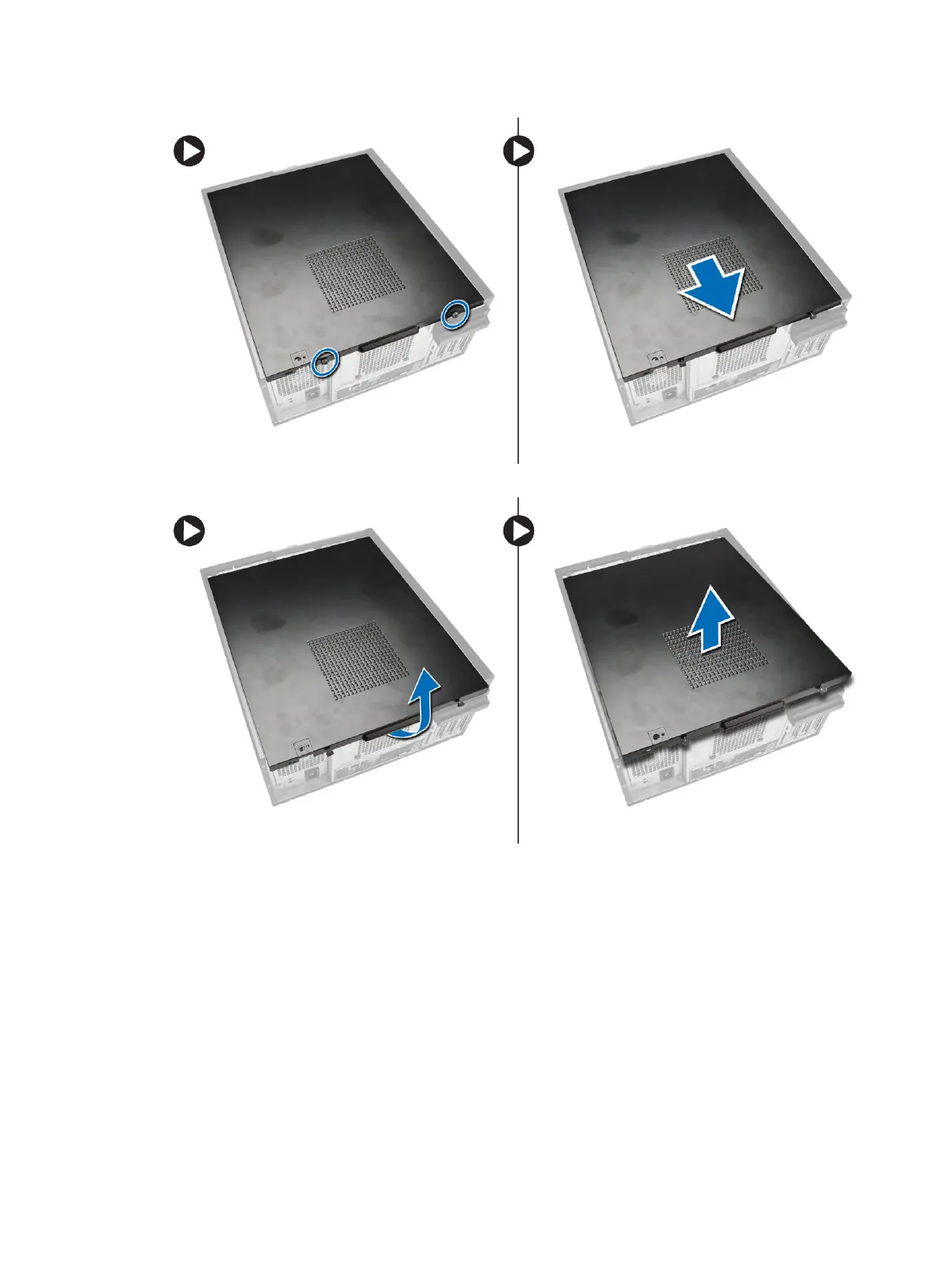
3. Lift the cover upward to a 45–degree angle and remove it from the computer.
Installing the Cover
1. Place the cover on the computer.
2. Slide the computer cover towards the front of the chassis until it is fully engaged.
3. Tighten the thumbscrew in clockwise direction to secure the computer cover.
4. Follow the procedures in
After Working Inside Your Computer
.
11












 To Next Page