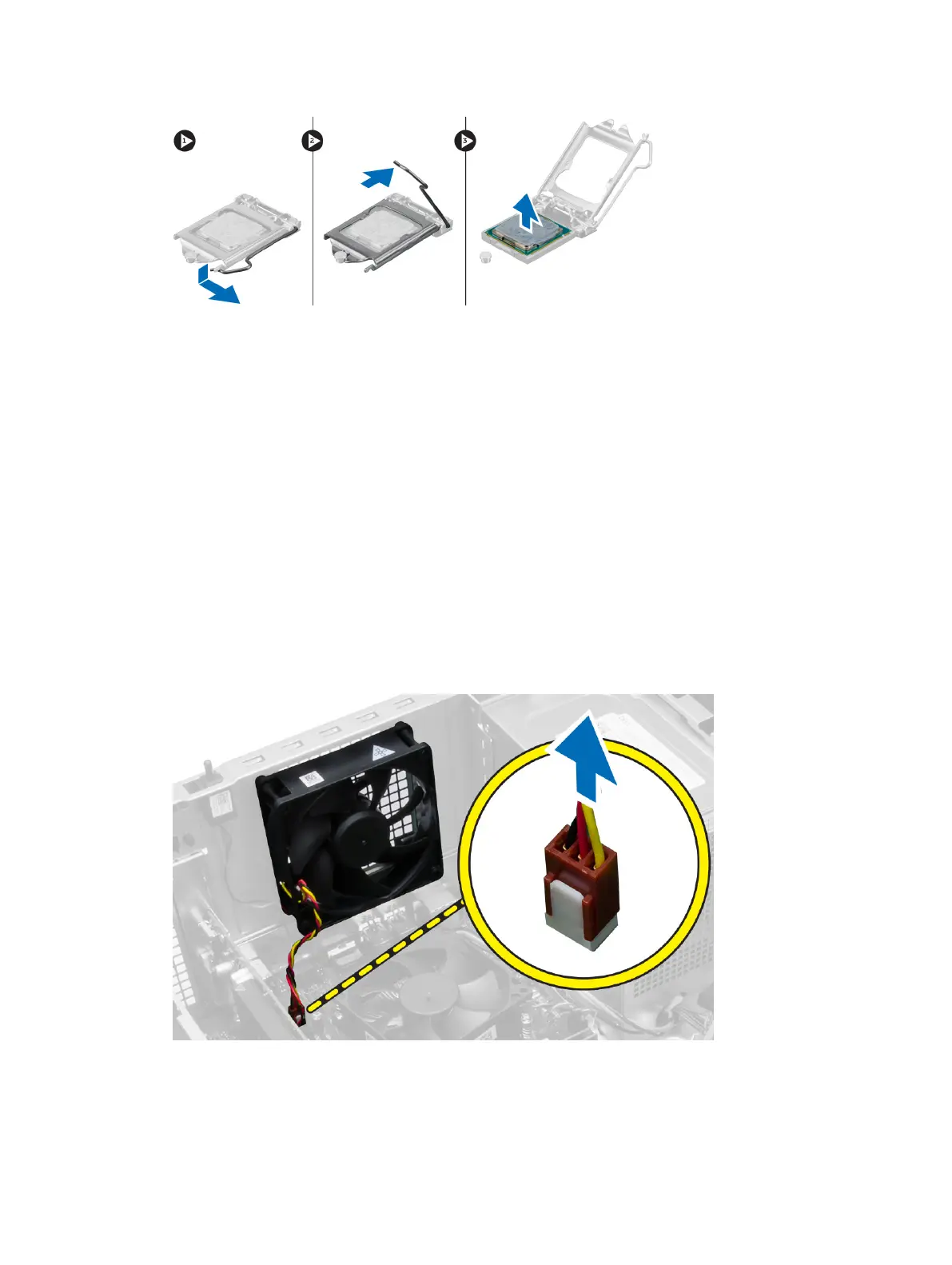
Installing the Processor
1. Insert the processor in the processor socket. Ensure the processor is properly seated.
2. Lower the processor cover.
3. Press the release lever down and then move it inward to secure it with the retention hook.
4. Install:
a) heat-sink assembly
b) cover
5. Follow the procedures in
After Working Inside Your Computer
.
Removing the System Fan
1. Follow the procedures in
Before Working Inside Your Computer
.
2. Remove the cover.
3. Disconnect the system-fan cable from the system board
4. Pry and remove the system fan away from the four grommets securing it to the back of the
computer.
22












 To Next Page