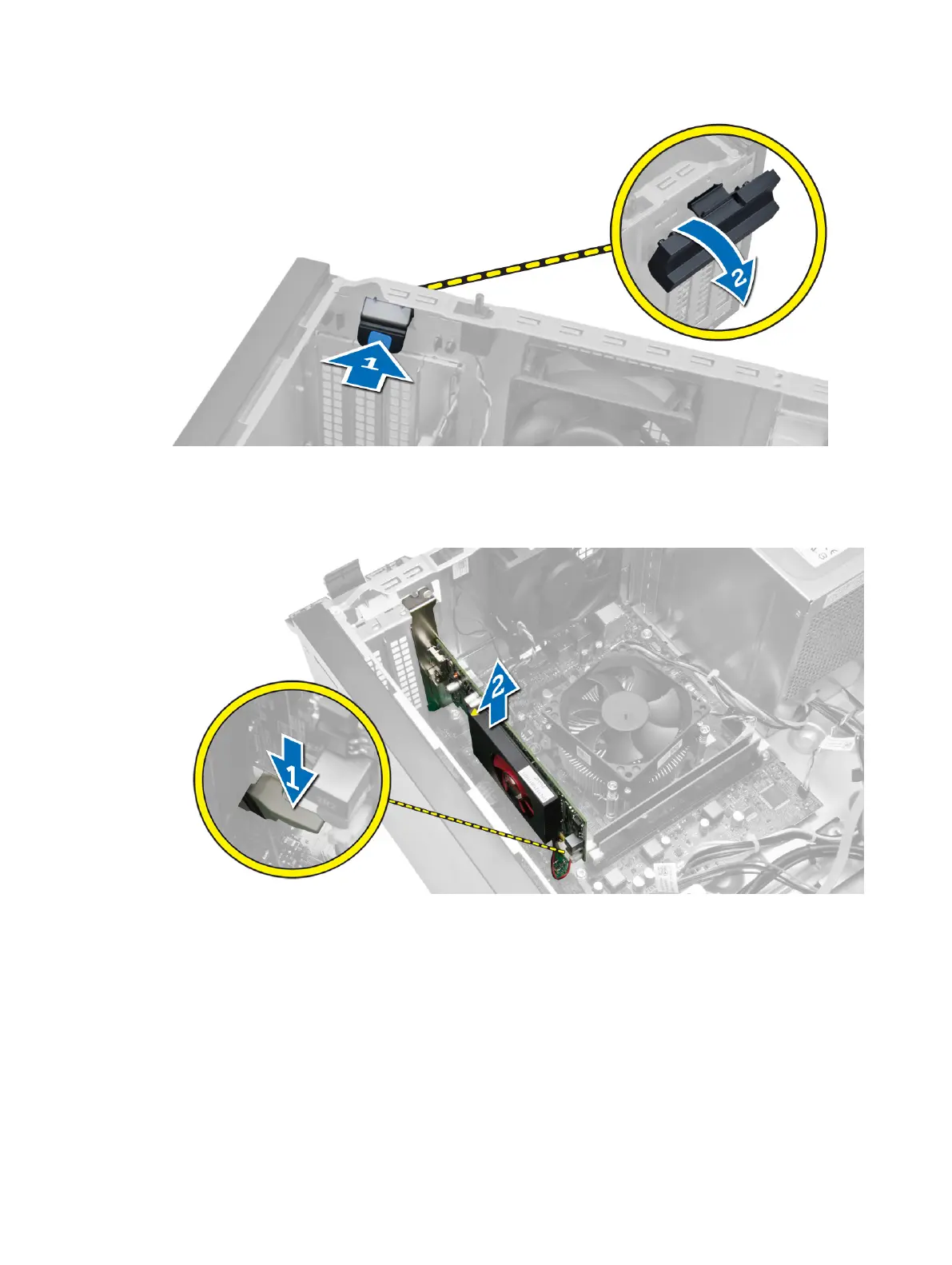
4. Perform the following steps as shown in the illustration:
a) Pull the release lever away from the expansion card until you release the securing tab from the
dent in the card. [1].
b) Ease the card up and out of its connector and remove it from the computer. [2].
Installing the Expansion Card
1. Insert the expansion card in the connector on the system board and press down until secured.
2. Push the retention latch back to its position.
3. Install the cover.
4. Follow the procedures in
After Working Inside Your Computer
.
14












 To Next Page