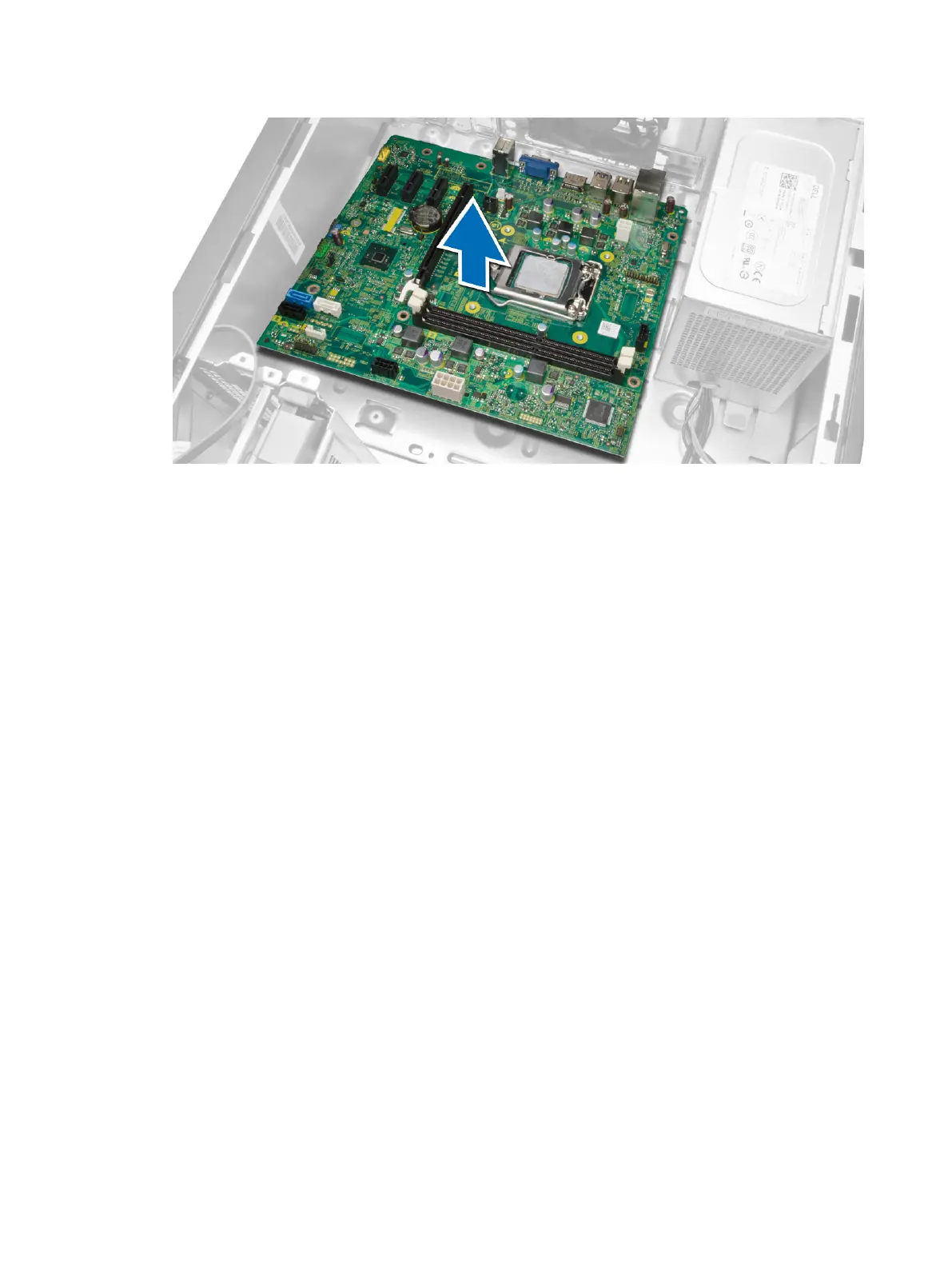
Installing the System Board
1. Align the system board to the port connectors on the rear of the chassis and place the system
board in the chassis.
2. Tighten the screws that secure the system board to the chassis.
3. Connect the cables to the system board.
4. Install all the cables:
a) processor
b) heatsink assembly
c) expansion card
d) memory
e) cover
5. Follow the procedures in
After Working Inside Your Computer
.
31












 To Next Page