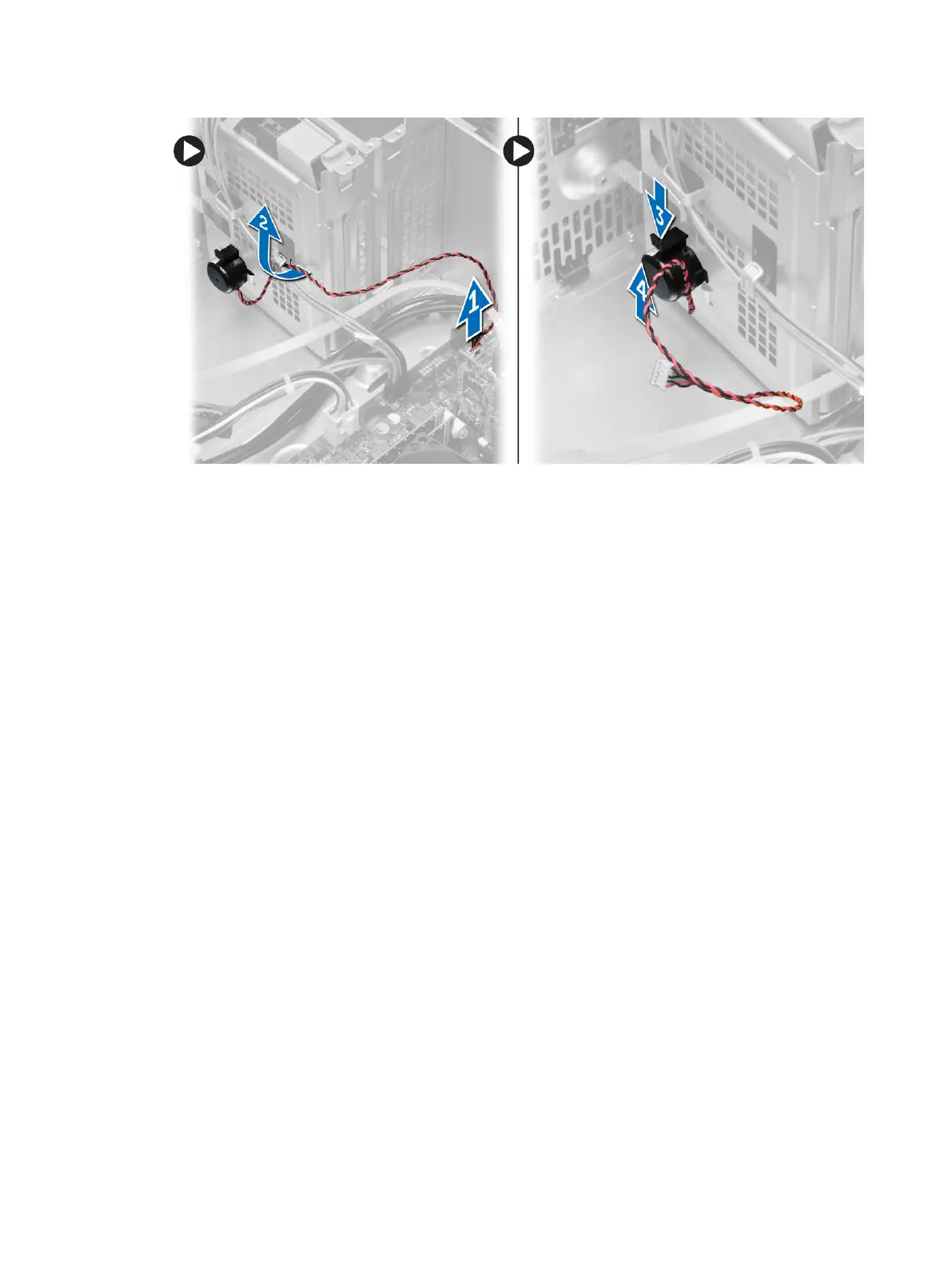
Installing the Speaker
1. Slide the speaker downwards into its slot to secure it.
2. Thread the speaker cable into the chassis clip and connect the speaker cable to the system board.
3. Install the cover.
4. Follow the procedures in
After Working Inside Your Computer
.
Removing the Power Supply
1. Follow the procedures in
Before Working Inside Your Computer
.
2. Remove the cover.
3. Perform the following steps as shown in the illustration:
a) Press the 4–pin power cable [1].
b) Disconnect the 4-pin power cables from the system board [2].
c) Press the 8–pin power cable [3].
d) Disconnect the 8-pin power cables from the system board [4].
e) Unroute cables from the system board [5].
19












 To Next Page