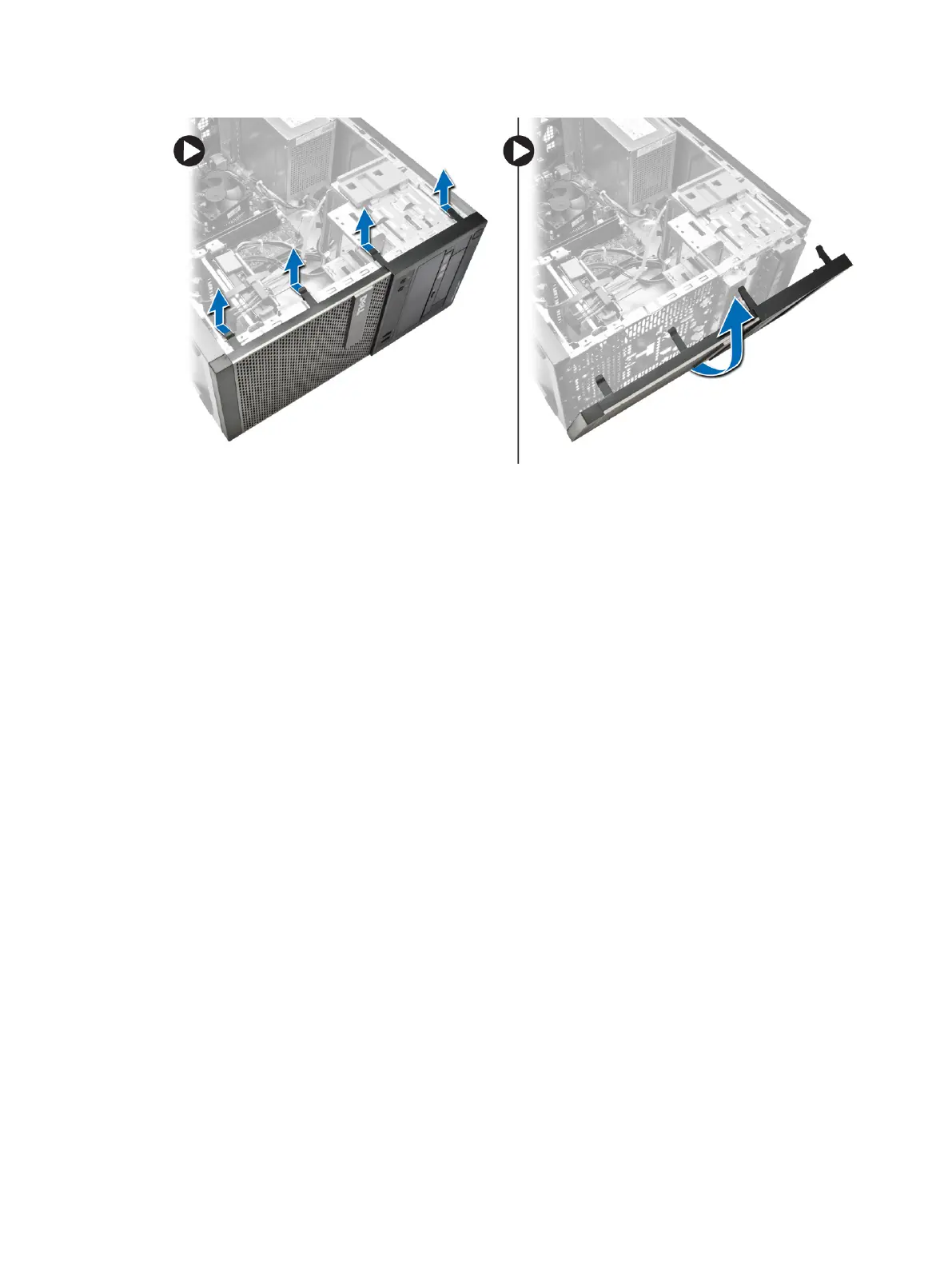
Installing the Front Bezel
1. Insert the hooks along the bottom edge of the front bezel into the slots on the chassis front.
2. Push the bezel toward the computer to engage the front bezel retention clips until they click into
place.
3. Install the cover.
4. Follow the procedures in
After Working Inside Your Computer
.
Removing The Expansion Card
1. Follow the procedures in
Before Working Inside Your Computer
.
2. Remove the cover
3. Perform the following steps as shown in the illustration: and
a) Press the tab [1].
b) Pull the card-retension latch upward [2].
13












 To Next Page