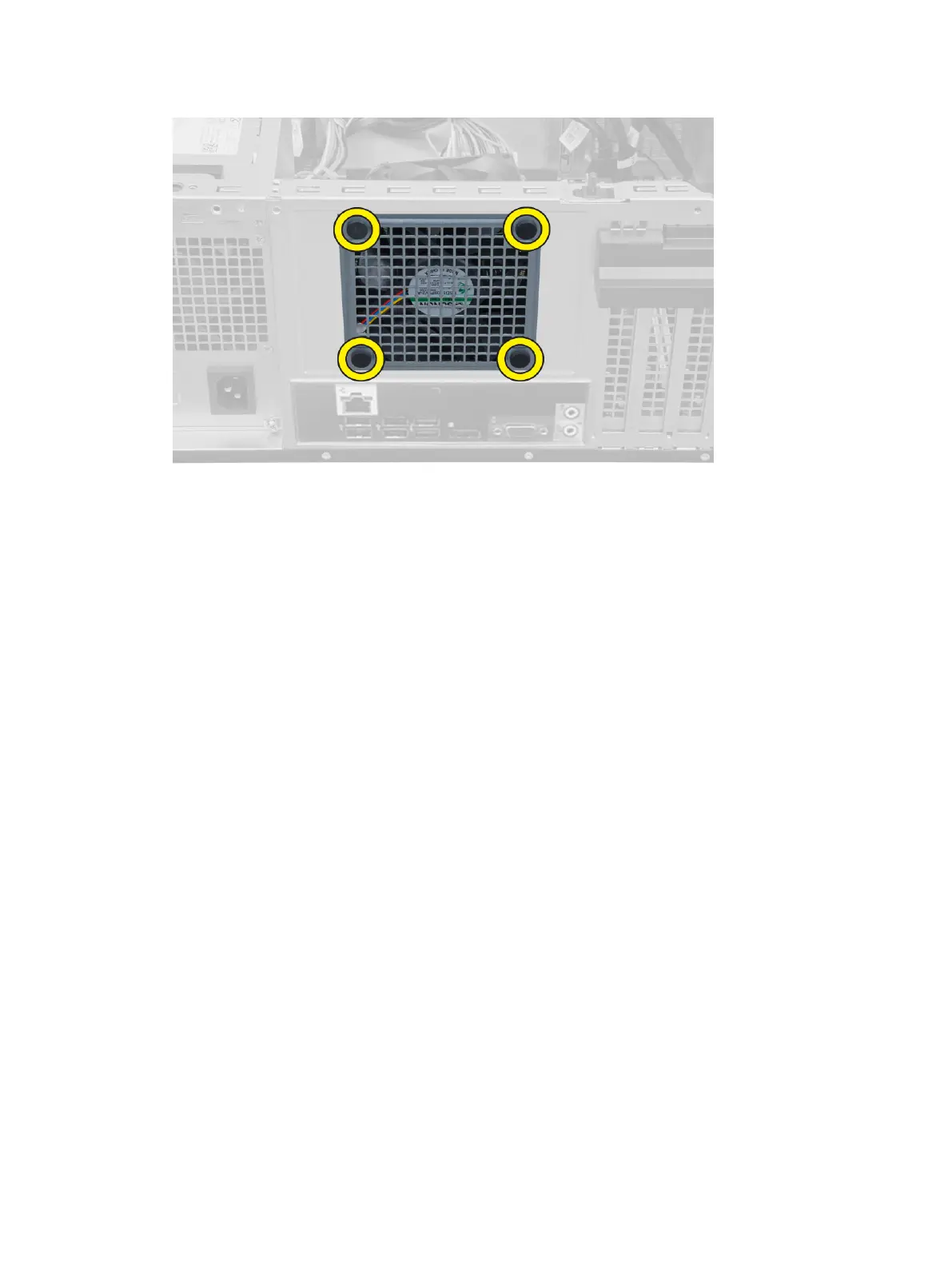
Installing the System Fan
1. Place the system fan in the chassis.
2. Pass the four grommets through the chassis and slide outward along the groove to secure in place.
3. Connect the system-fan cable to the system board.
4. Install the cover.
5. Follow the procedures in
After Working Inside Your Computer
.
Removing the Power Switch
1. Follow the procedures in
Before Working Inside Your Computer
.
2. Remove the:
a) cover
b) front bezel
c) optical drive
3. Perform the following steps as shown in the illustration:
a) Press the power cable [1].
b) Disconnect the power-switch cable from the system board [2].
23












 To Next Page