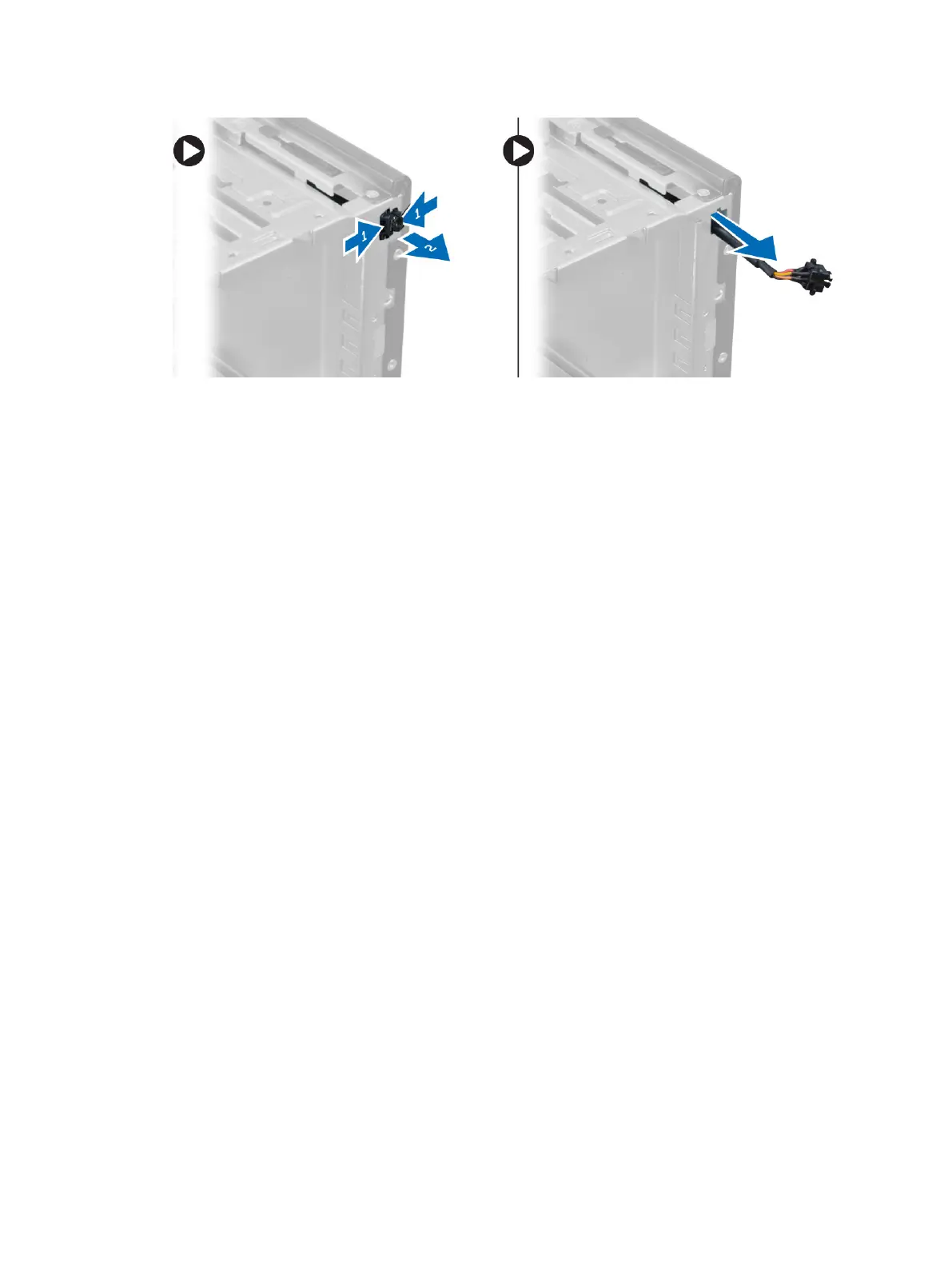
Installing the Power Switch
1. Slide the power switch in through the front of the computer.
2. Secure the power-switch cable to the chassis.
3. Thread the power-switch cable into the chassis clips.
4. Connect the power-switch cable to the system board.
5. Install the:
a) optical drive
b) front bezel
c) cover
6. Follow the procedures in
After Working Inside Your Computer
.
Removing the I/O Panel
1. Follow the procedures in
Before Working Inside Your Computer
.
2. Remove:
a) cover
b) front bezel
3. Disconnect the I/O panel, data, and USB data cables from the system board.
25












 To Next Page