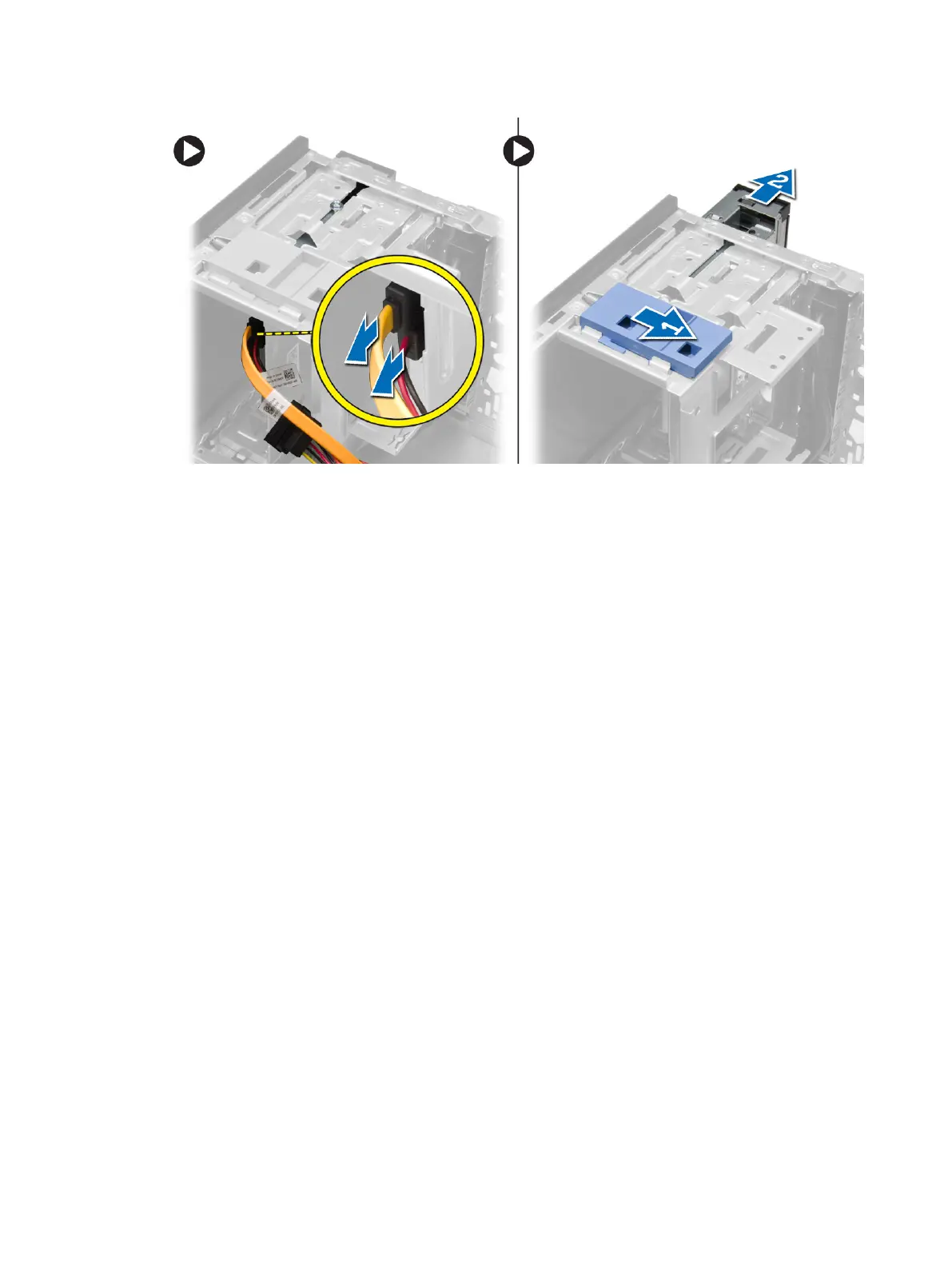
4. Repeat steps 3 remove the second optical drive (if available).
Installing the Optical Drive
1. Push the optical drive from the front toward the back of the computer till it is secured by the
optical-drive latch.
2. Connect the data cable and power cable to the back of the optical drive.
3. Install the front bezel.
4. Install the cover.
5. Follow the procedures in
After Working Inside Your Computer
.
Removing the Speaker
1. Follow the procedures in
Before Working Inside Your Computer
.
2. Remove the cover.
3. Perform the following steps as shown in the illustration:
a) Disconnect the cable from system board [1].
b) Release the speaker cable from system board [2].
c) Press down the speaker-securing tab [3].
d) Slide the speaker upwards to remove [4].
18












 To Next Page