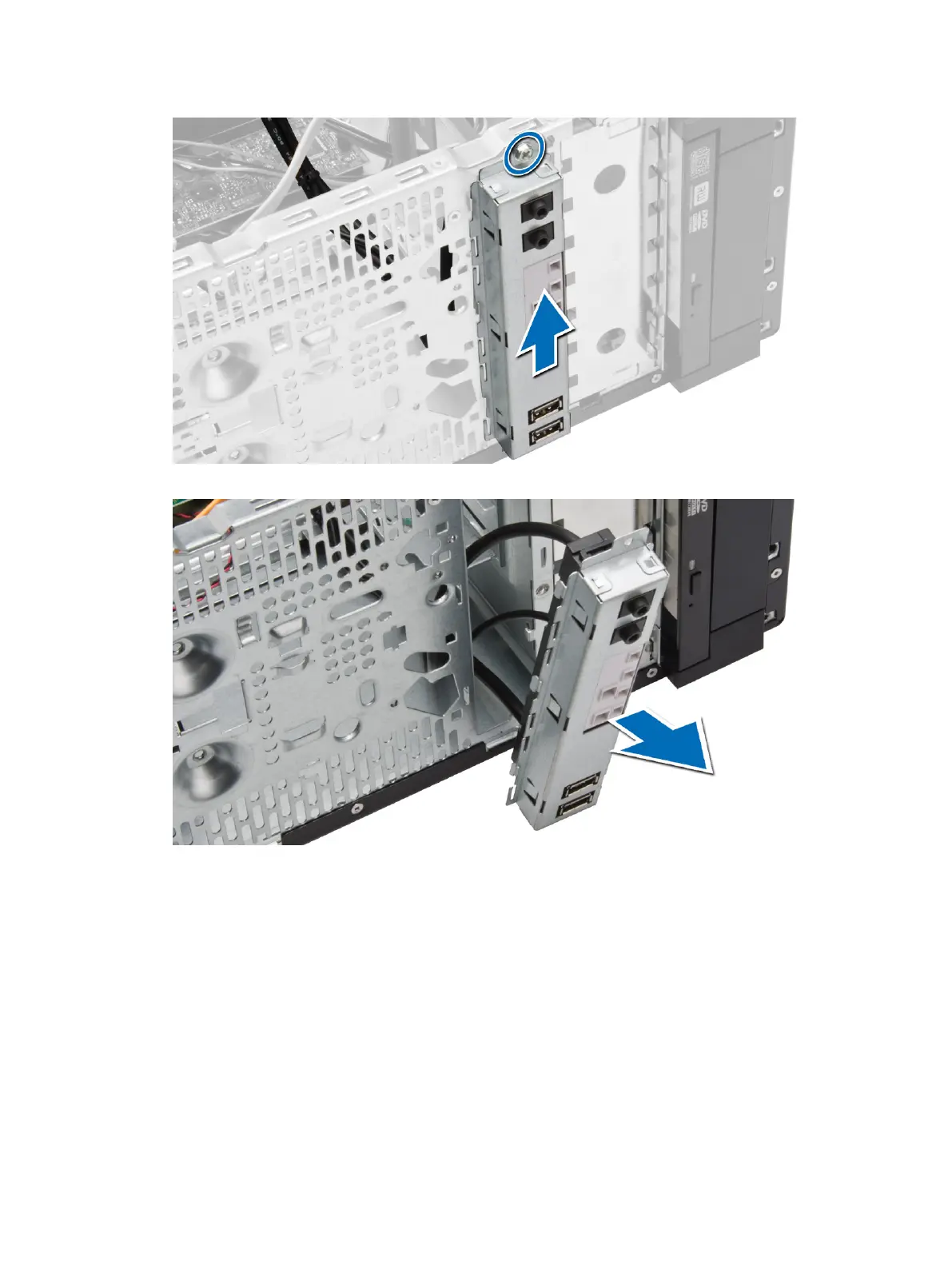
6. Release and pull the I/O panel along with its cable out of the computer.
Installing the I/O Panel
1. Insert the I/O panel into the slot on the chassis front.
2. Slide the I/O panel towards the right of the computer to secure to the chassis.
3. Tighten the screw to secure the I/O panel to the chassis.
4. Thread the I/O panel and USB data cable into the chassis clip.
5. Connect the I/O panel and USB data cable to the system board.
6. Install :
a) front bezel
b) cover
27












 To Next Page