l green light — solid green indicates the power adapter is connected to an AC outlet and the computer.
l amber light — solid amber indicates the power adapter is connected to an AC outlet but not the computer. The computer will not operate in this
condition. Connect the power adapter to the USFF system and/or reset the power adapter by disconnecting and reconnecting the AC mains.
Badge
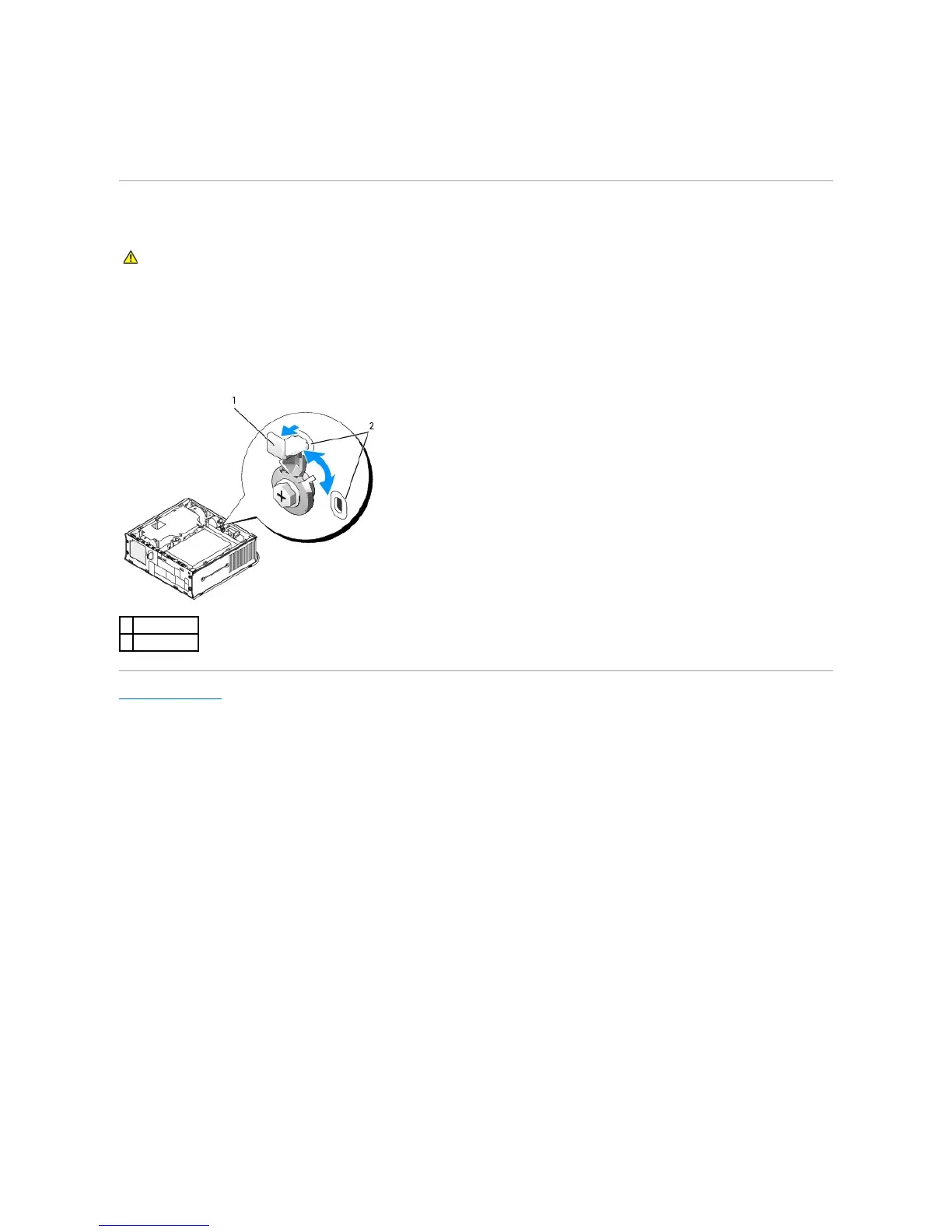
The badge on the front of your computer can be rotated. To rotate the badge:
1. Remove the computer cover.
2. Pull on the lever to release the notch from the slot.
3. Rotate the badge to the desired position, ensuring that the notch is secured in the slot.
Back to Contents Page















 To Next Page