Back to Contents Page
Dell™OptiPlex™GX620
User's Guide
Drives
Drives
Your computer supports:
l One serial ATA hard drive
l One optional D-module CD/DVD drive, second hard drive, or floppy drive in the module bay
General Installation Guidelines
Serial ATA hard drives should be connected to the connector labeled "SATA0" on the system board.
Connecting Drive Cables
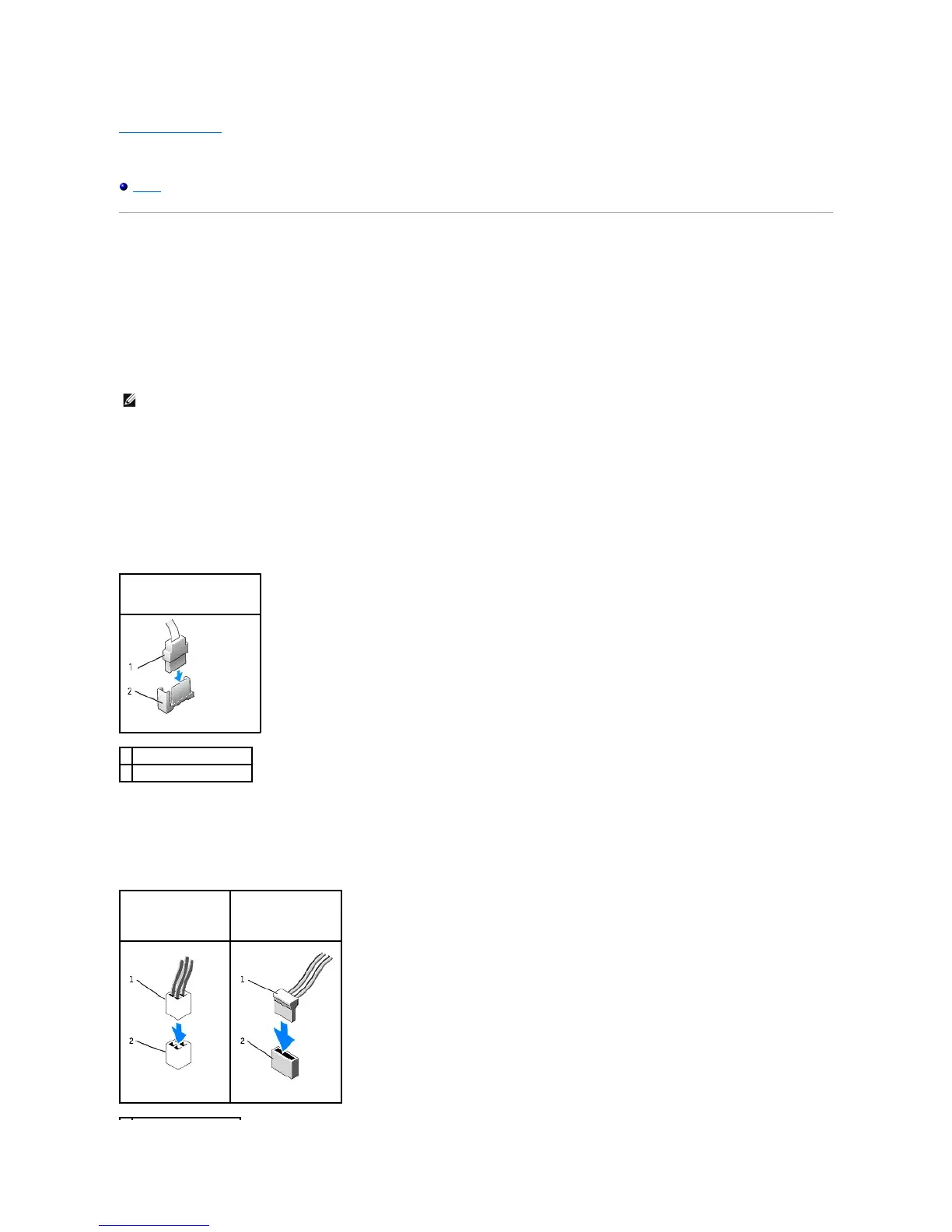
When you install a drive, you connect two cables—a DC power cable and a data cable—to the back of the drive and to the system board.
Drive Interface Connectors
Most interface connectors are keyed for correct insertion; that is, a notch or a missing pin on one connector matches a tab or a filled-in hole on the other
connector. Keyed connectors ensure that the pin-1 wire in the cable goes to the pin-1 end of the connector. The pin-1 end of a connector on a board or a card
is usually indicated by a silk-screened "1"printed directly on the board or card.
Power Cable Connectors















 To Next Page