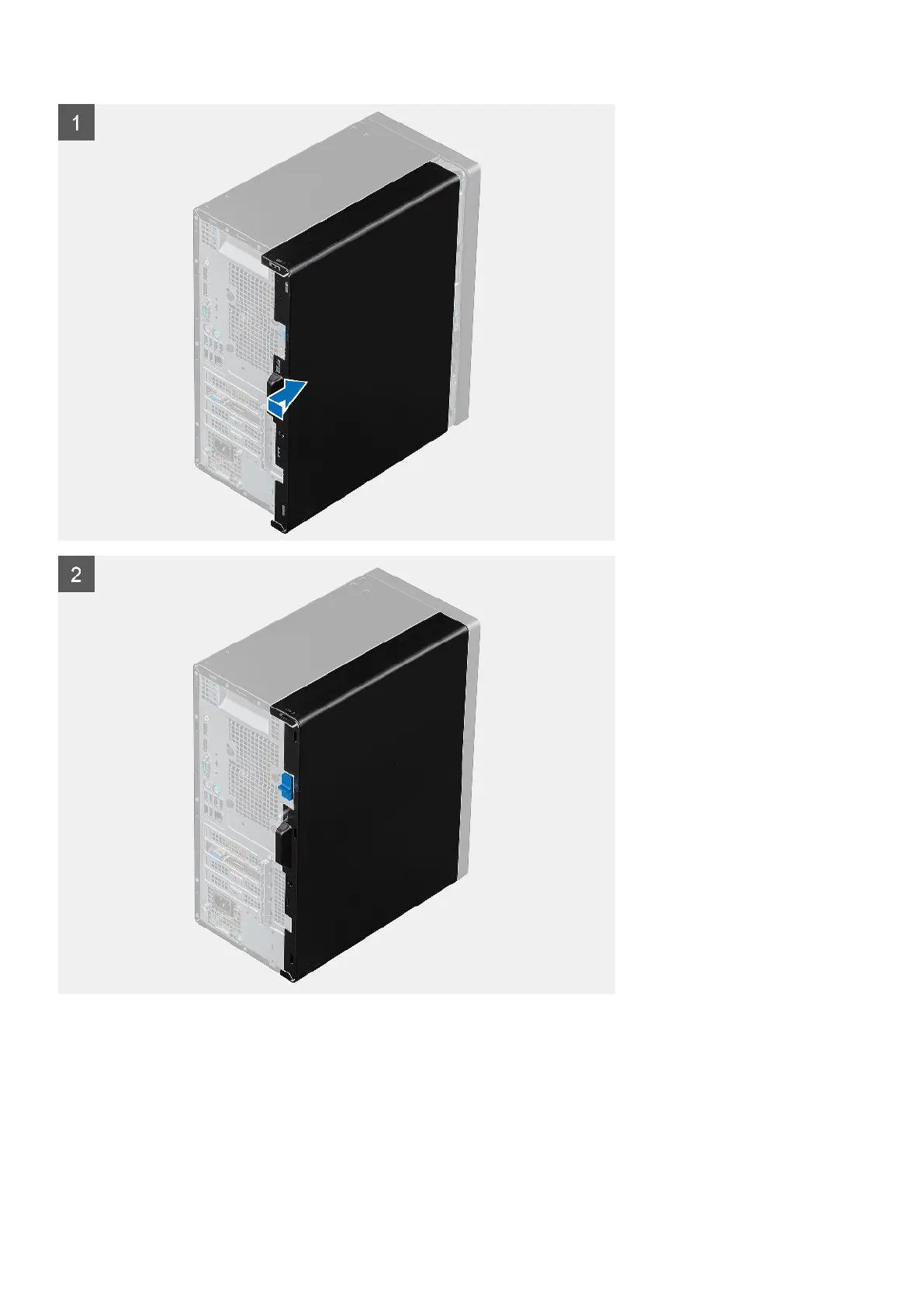
Steps
1. Locate the side cover slot on your computer.
2. Align the tabs on the side cover with the slots on the chassis.
3. Slide the side cover towards the front of the computer to install it.
4. The release latch automatically locks the side cover to the computer.
Next steps
1. Follow the procedure in after working inside your computer.
14
Removing and installing components














 To Next Page