10. Two SATA1/2 connector (black)
11. SATA3 connector (white)
12. SATA power cable connector
13. Coin-cell battery
14. M.2 WLAN connector
15. System power connector
16. Internal speaker connector
17. Thunderbolt header
18. M.2 PCIe SSD connector
19. PCIe x4 (Slot4)
20. PCI (Slot3)
21. PCIe x16 (Slot2)
22. PCIE x1 (Slot1)
23. System fan connector
24. Chassis Intrusion Detection connector
25. Type-C connector
26. Processor socket
27. Video connector
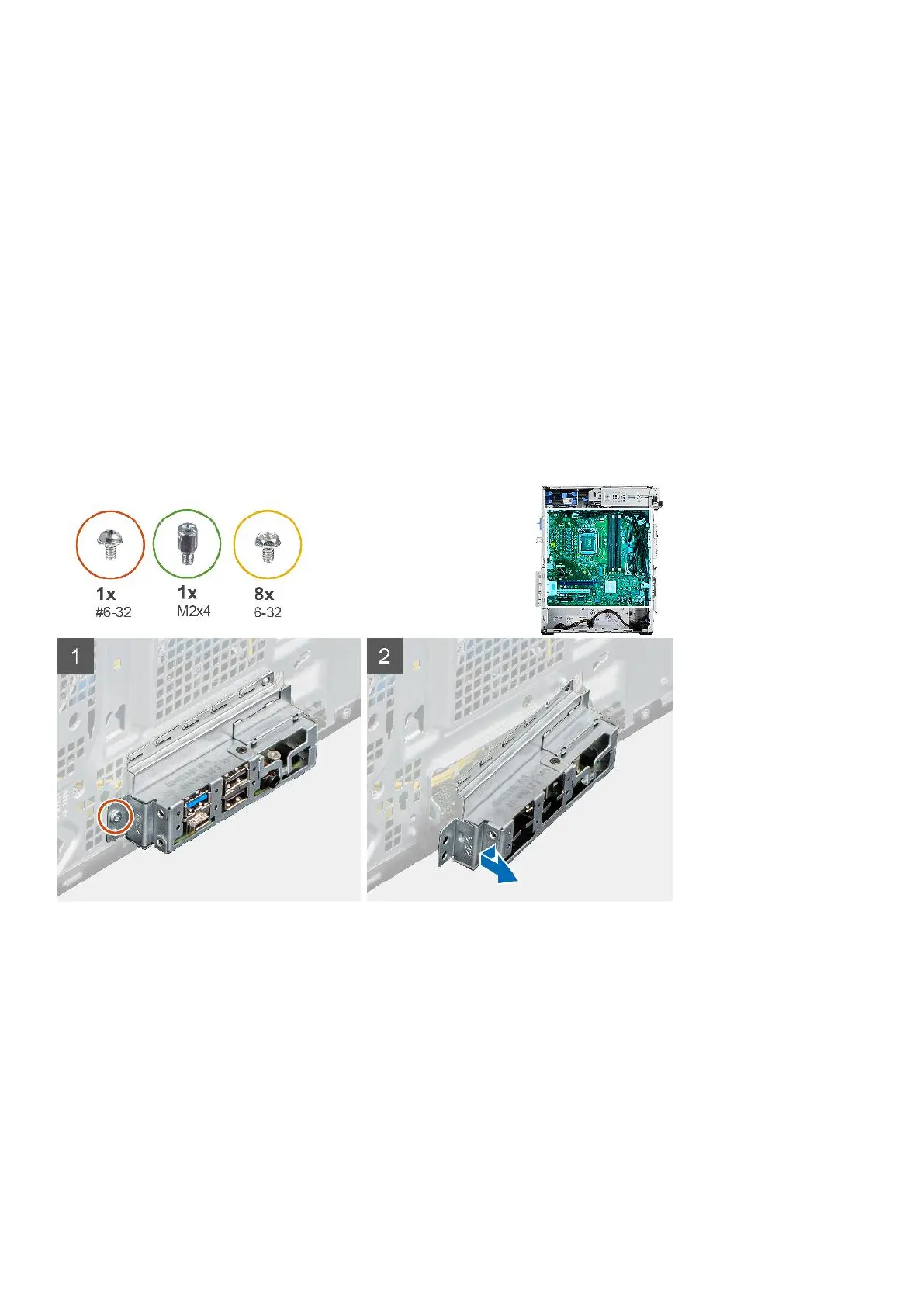
The following images indicate the location of the system board and provide a visual representation of the removal procedure.
76 Removing and installing components













 To Next Page