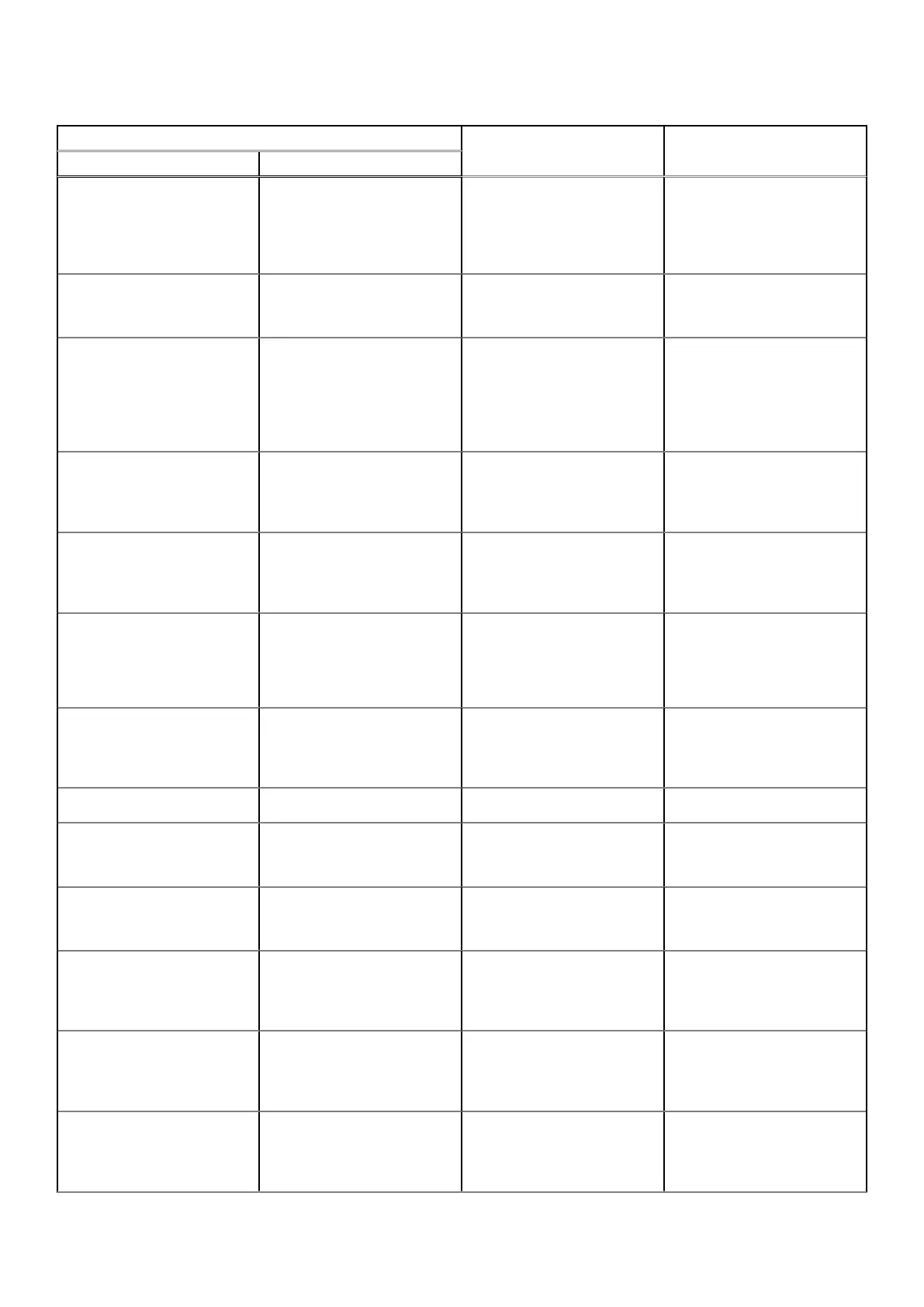
Table 20. Diagnostic LED behavior (continued)
Blinking pattern
Problem description Suggested resolutionAmber White
2 1 CPU failure
● Run the Dell Support
Assist/Dell Diagnostics
tool.
● If problem persists,
replace the system board.
2 2 System board failure (included
BIOS corruption or ROM
error)
● Flash latest BIOS version
● If problem persists,
replace the system board.
2 3 No memory/RAM detected
● Confirm that the memory
module is installed
properly.
● If problem persists,
replace the memory
module.
2 4 Memory/RAM failure
● Reset the memory module.
● If problem persists,
replace the memory
module.
2 5 Invalid memory installed
● Reset the memory module.
● If problem persists,
replace the memory
module.
2 6 System board / Chipset
Error / Clock failure / Gate
A20 failure / Super I/O
failure / Keyboard controller
failure
● Flash latest BIOS version
● If problem persists,
replace the system board.
3 1 CMOS battery failure
● Reset the CMOS battery
connection.
● If problem persists,
replace the RTS battery.
3 2 PCI or Video card/chip failure
Replace the system board.
3 3 BIOS Recovery image not
found
● Flash latest BIOS version
● If problem persists,
replace the system board.
3 4 BIOS Recovery image found
but invalid
● Flash latest BIOS version
● If problem persists,
replace the system board.
3 5 Power rail failure
● EC ran into power
sequencing failure.
● If problem persists,
replace the system board.
3 6 SBIOS Flash corruption
● Flash corruption detected
by SBIOS
● If problem persists,
replace the system board.
3 7 Intel ME (Management
Engine) Error
● Timeout waiting on ME to
reply to HECI message
● If problem persists,
replace the system board.
Troubleshooting 99





 To Next Page