Steps
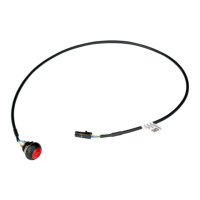
1. Align and insert the optional PS2 module with the slot on the chassis.
2. Connect the PS2 cable to the connector on the system board.
3. Close the PCIe door.
Next steps
1. Install the heat-sink and fan assembly.
2. Install the side cover.
3. Follow the procedure in after working inside your computer.
Removing and installing components
73







 To Next Page
