134 Speakers
4
Remove the system board (see "Removing the System Board" on
page 127).
5
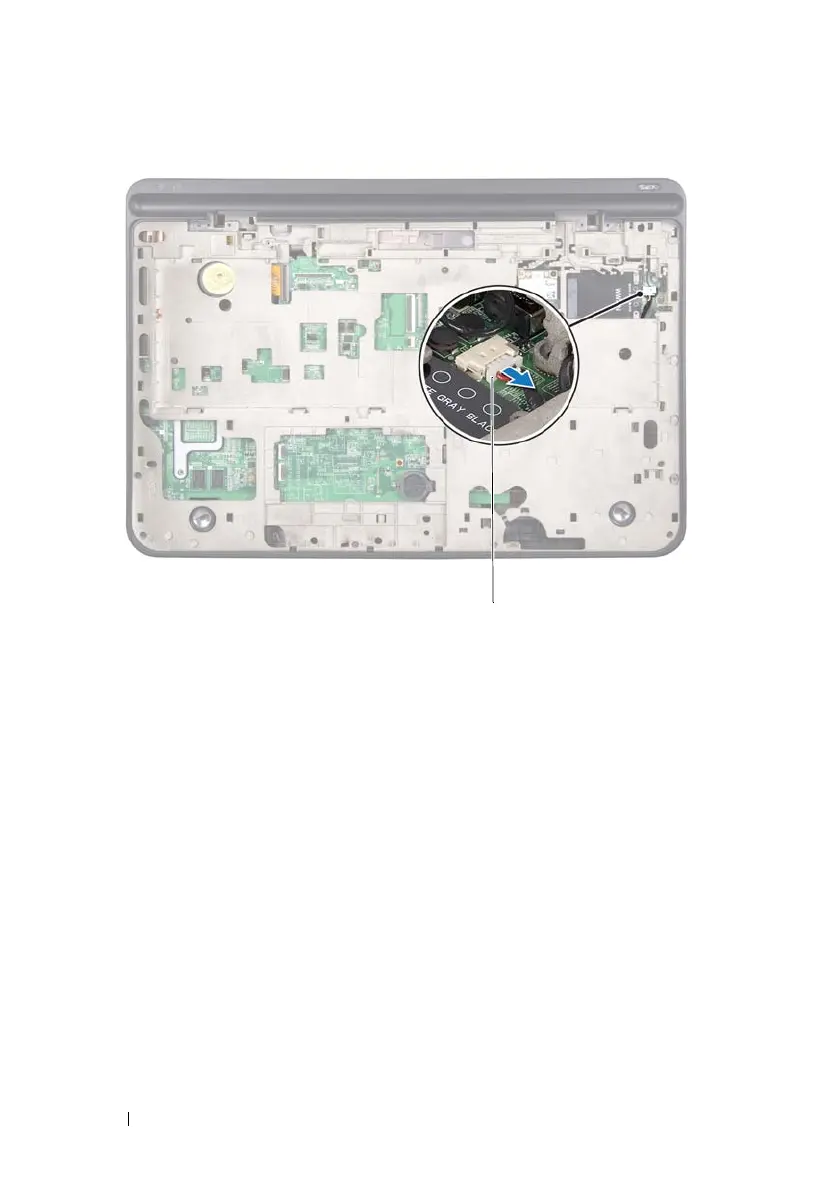
Make note of the speakers cable routing and remove the cable from the
routing guides.
6
Remove the four screws (two on each speaker) that secure the speakers to
the top cover.
7
Lift the speakers along with the cable off the top cover.
1 speaker cable
book.book Page 134 Wednesday, April 25, 2012 2:11 PM



 To Next Page