14 Battery
Replacing the Battery
CAUTION: To avoid damage to the computer, use only the battery designed for
this particular Dell computer.
1
Follow the instructions in "Before You Begin" on page 9.
2
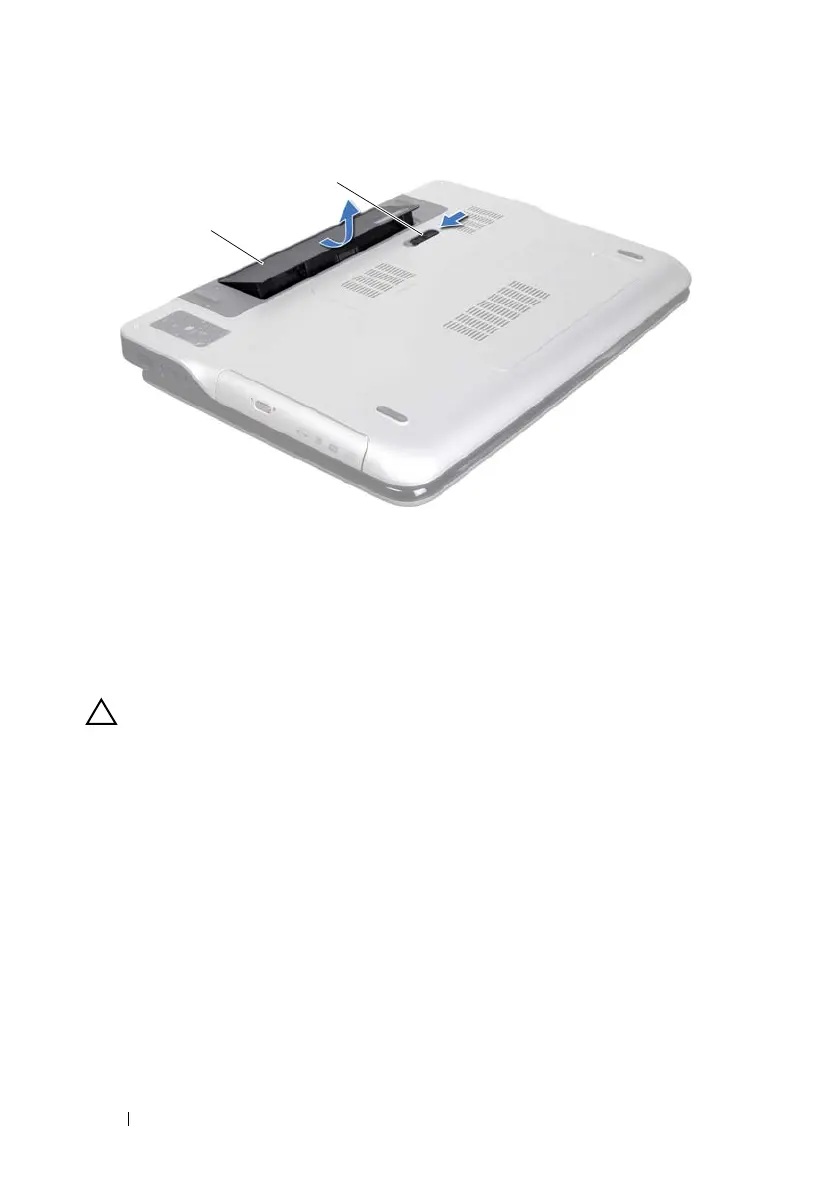
Align the tabs on the battery with the slots in the battery bay and press the
battery down until it clicks into place.
1 battery 2 battery release latch
book.book Page 14 Wednesday, April 25, 2012 2:11 PM



 To Next Page