52 Coin-Cell Battery
Replacing the Coin-Cell Battery
1
Follow the instructions in "Before You Begin" on page 9.
2
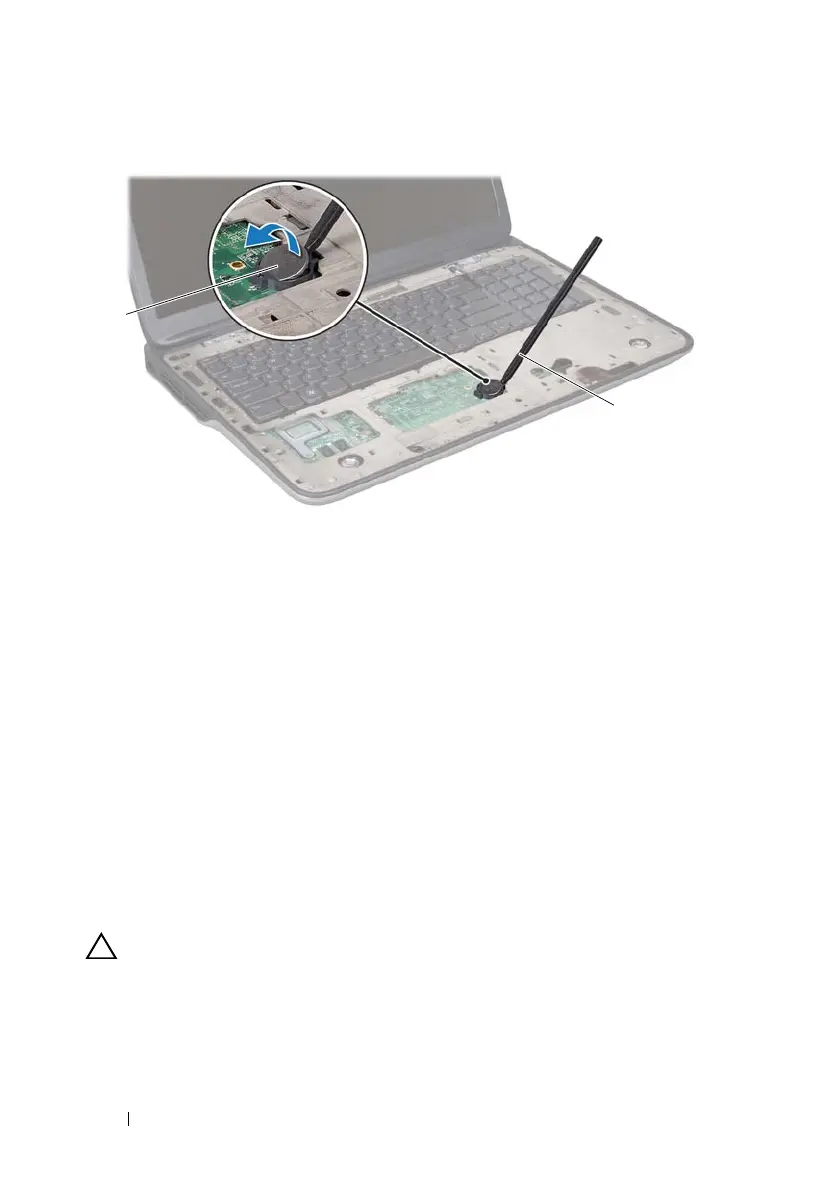
With the positive side facing up, snap the coin-cell battery into the battery
socket on the system board.
3
Replace the palm-rest assembly (see "Replacing the Palm-Rest Assembly"
on page 40).
4
Replace the optical drive (see "Replacing the Optical Drive" on page 34).
5
Replace the module cover (see "Replacing the Module Cover" on page 16).
6
Replace the battery (see "Replacing the Battery" on page 14).
CAUTION: Before turning on the computer, replace all screws and ensure that no
stray screws remain inside the computer. Failure to do so may result in damage to
the computer.
1 coin-cell battery 2 plastic scribe
book.book Page 52 Wednesday, April 25, 2012 2:11 PM



 To Next Page