18 Memory Module(s)
5
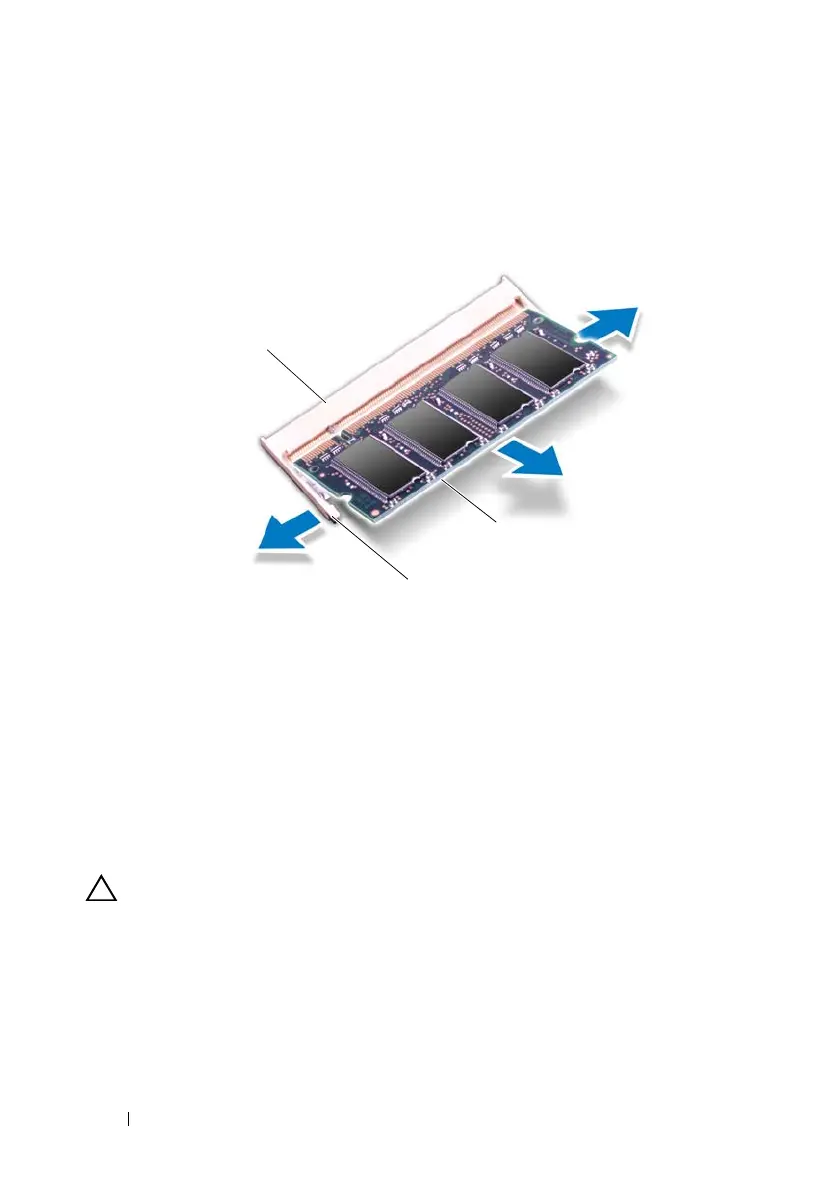
Remove the memory module from the memory-module connector.
Replacing the Memory Module(s)
1
Follow the instructions in "Before You Begin" on page 9.
CAUTION: Install memory modules in the memory-module connectors as
indicated in the following table depending on the number of memory modules you
are installing. Your computer may not boot, if you fail to install the memory
modules as indicated in the table.
1 memory-module connector 2 securing clips (2)
3 memory module
book.book Page 18 Wednesday, April 25, 2012 2:11 PM



 To Next Page