14 │ About your monitor
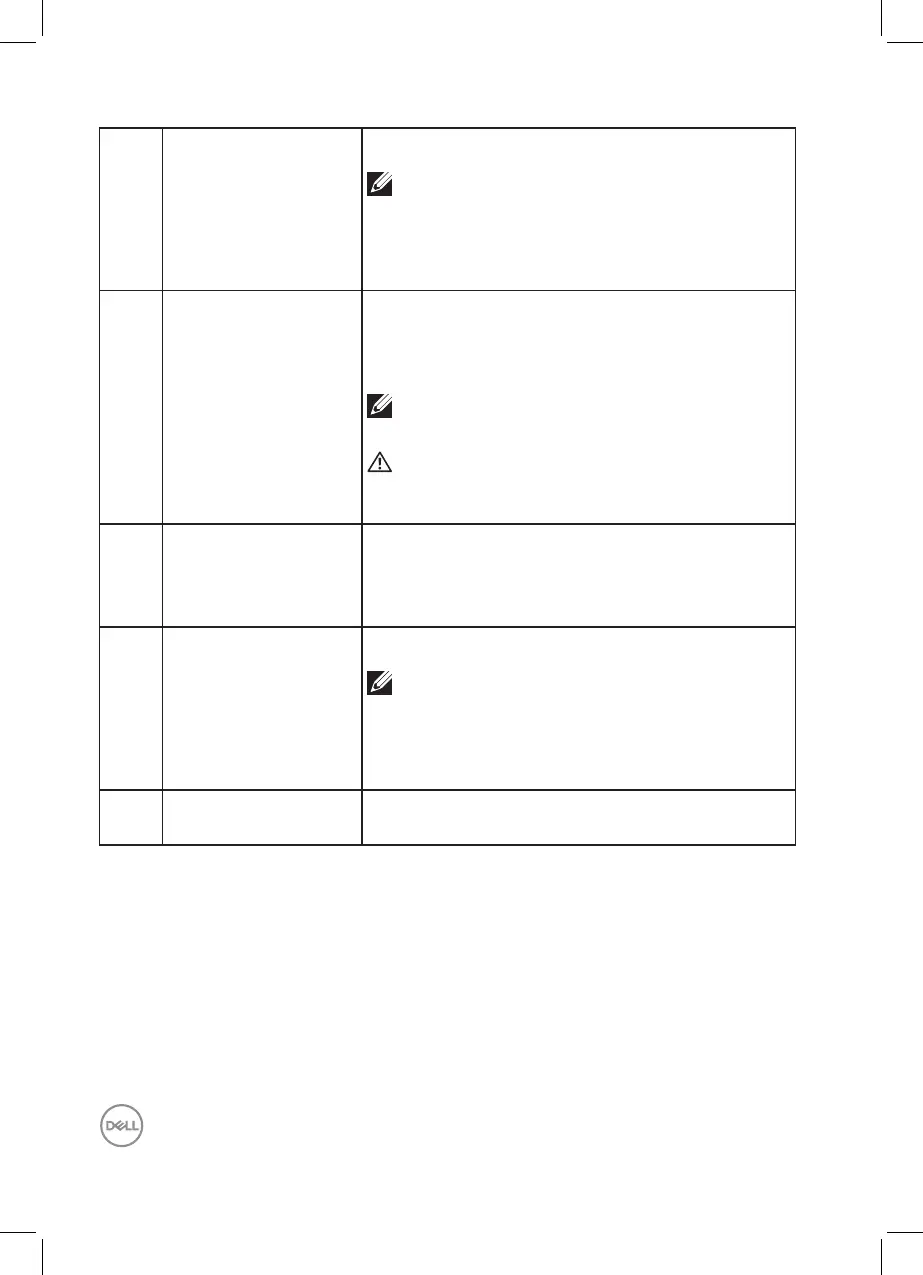
7 SuperSpeed USB 5
Gbps (USB 3.2 Gen1)
Type-A downstream
port
Connect your USB device.*
NOTE: To use this port, you must
connect the USB-C (C-C) or (C-A)
cable (shipped with your monitor) to the
USB-C upstream port on the monitor and
to your computer.
8 Audio line-out port Connect speakers to playback audio coming
through HDMI or DP audio channels.
Only supports 2-channel audio.
NOTE: The audio line-out port does not
support headphones.
WARNING: Excessive sound pressure
from earphones or headphones can cause
hearing damage or loss.
9 RJ45 port
(10/100/1000 Mb)
Connect the Internet. You can surf Internet via
RJ45 only after you have connected the USB-C
(C-C) or (C-A) cable (shipped with your monitor)
from the computer to the monitor.
10 SuperSpeed USB 5
Gbps (USB 3.2 Gen1)
Type-A downstream
port
Connect your USB device.*
NOTE: To use this port, you must
connect the USB-C (C-C) or (C-A)
cable (shipped with your monitor) to the
USB-C upstream port on the monitor and
to your computer.
11 Cushions x2 Protect the monitor and table when used at lower
position.
*To avoid signal interference, when a wireless USB device has been connected
to a USB downstream port, it is NOT recommended to connect any other USB
devices to the adjacent port(s).



 To Next Page