Troubleshooting │ 95
No HDMI Cable
The display will go into Standby mode in 4 minutes.
www.dell.com/P2424HT
NOTE: The message may be slightly different according to the
connected input signal.
NOTE: While in self-test mode, the power LED remains white.
4. This box also appears during normal system operation, if the video cable
becomes disconnected or damaged.
5. Turn Off your monitor and reconnect the video cable; then turn On both your
computer and the monitor.
If your monitor screen remains blank after you use the previous procedure, check
your video controller and computer, because your monitor is functioning properly.
Built-in diagnostics
Your monitor has a built-in diagnostic tool that helps you determine if any screen
abnormality you experience is an inherent problem with your monitor, or with your
computer and video card.
To run the built-in diagnostics:
1. Ensure that the screen is clean (no dust particles on the surface of the
screen).
2.
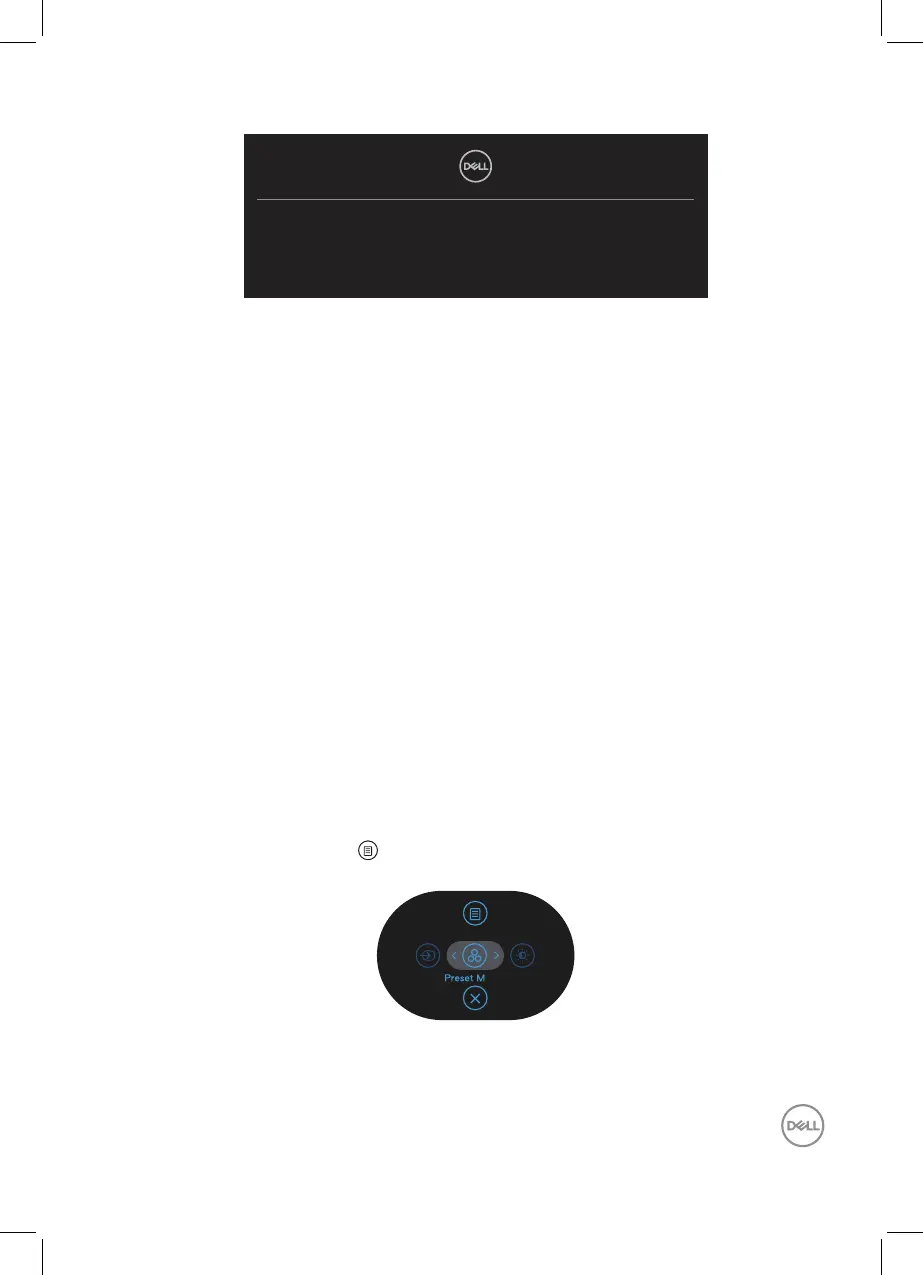
Press the Joystick button to launch the OSD Menu Launcher and move the
Joystick up to select “ ” to open Main Menu.
odes



 To Next Page