54 │ Setting up the monitor
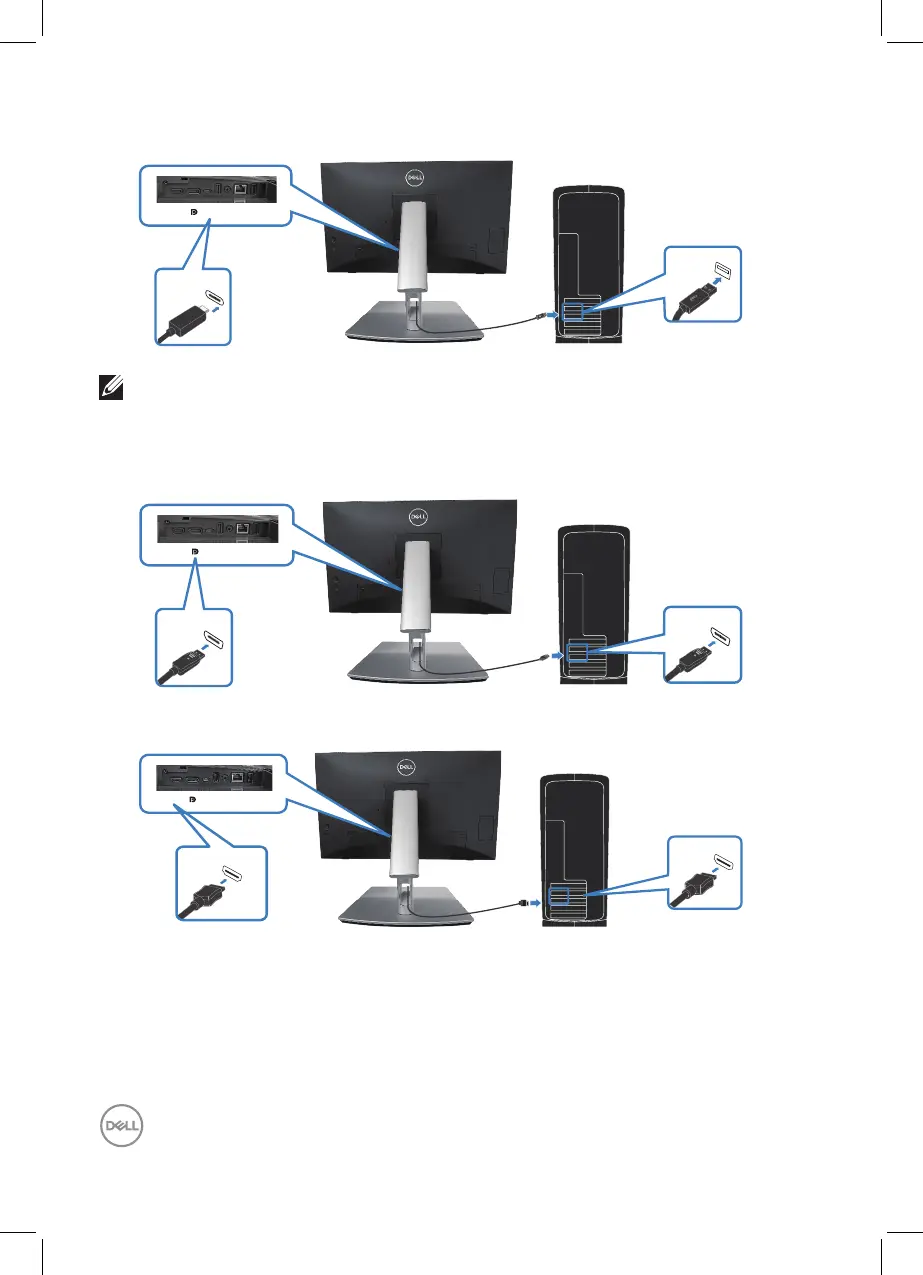
Connecting the USB-C (C-A) cable
HDMI USB-C
USB-C
USB 3.2
NOTE: The touch input only works if a data cable is connected from
the monitor’s upstream USB-C port to the computer with the in-box
USB C-C or USB C-A cable.
Connecting the DisplayPort (DisplayPort to DisplayPort) cable
HDMI USB-C
DP 1.2
DP 1.2
Connecting the HDMI cable (optional)
HDMI USB-C
HDMI*
HDMI*
HDMI* = Supports up to FHD 1920 x 1080 @ 60Hz as per specified in HDMI 1.4.



 To Next Page