Setting up the monitor │ 51
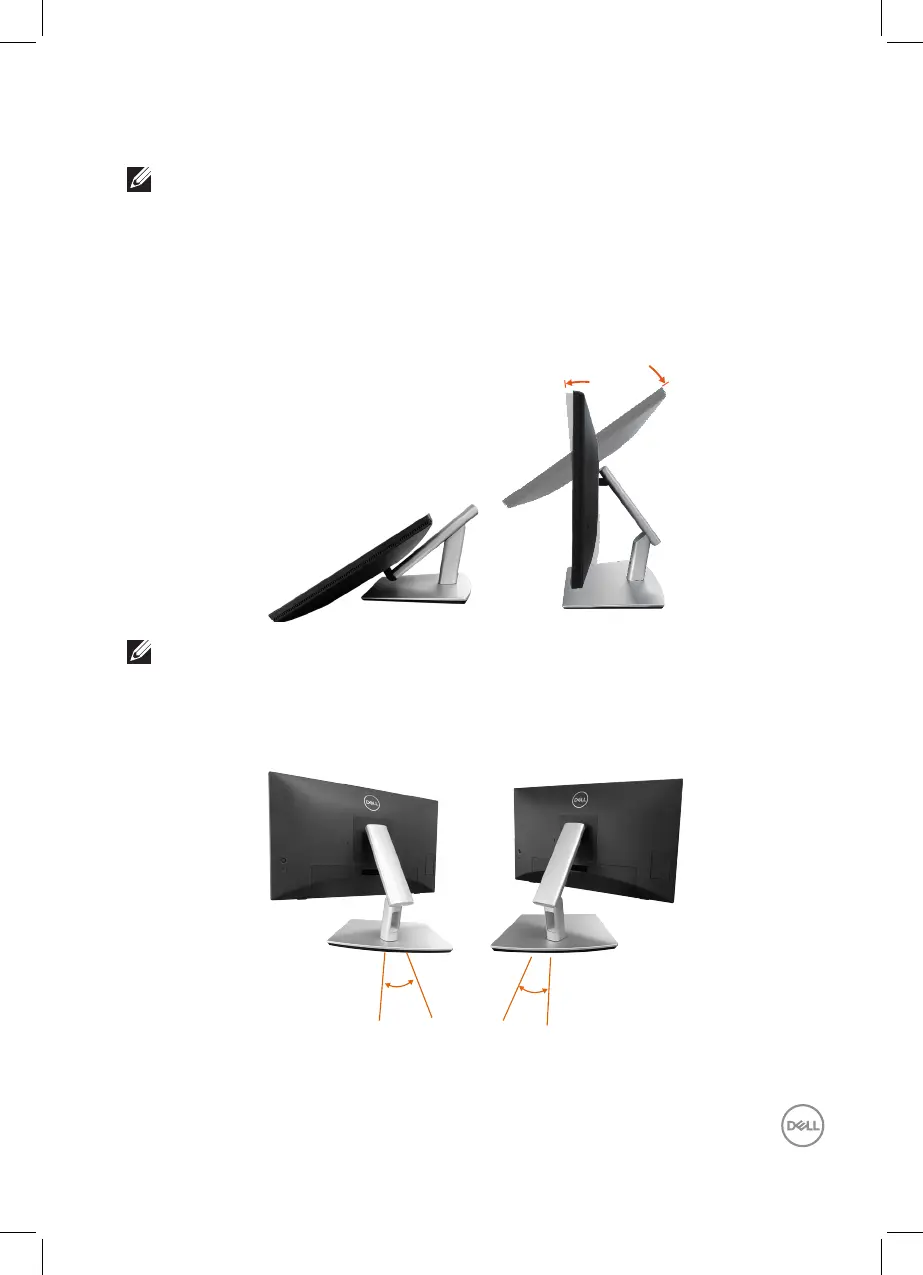
Using the Tilt, Swivel and Slant
NOTE: The graphics are used for the purpose of illustration only. The
appearance of the package cushion may vary.
Tilt
With the stand attached to the monitor, you can tilt the monitor for the most
comfortable viewing angle and working angle for touch input.
Tilt angle between -5°~ +60°.
5°
60°
NOTE: The fully extended 60° working angle is the recommended
angle when making touch inputs.
Swivel
Swivel angle between +30°~ -30°.
30°
30°



 To Next Page