Setting up the monitor │ 49
Setting up the monitor
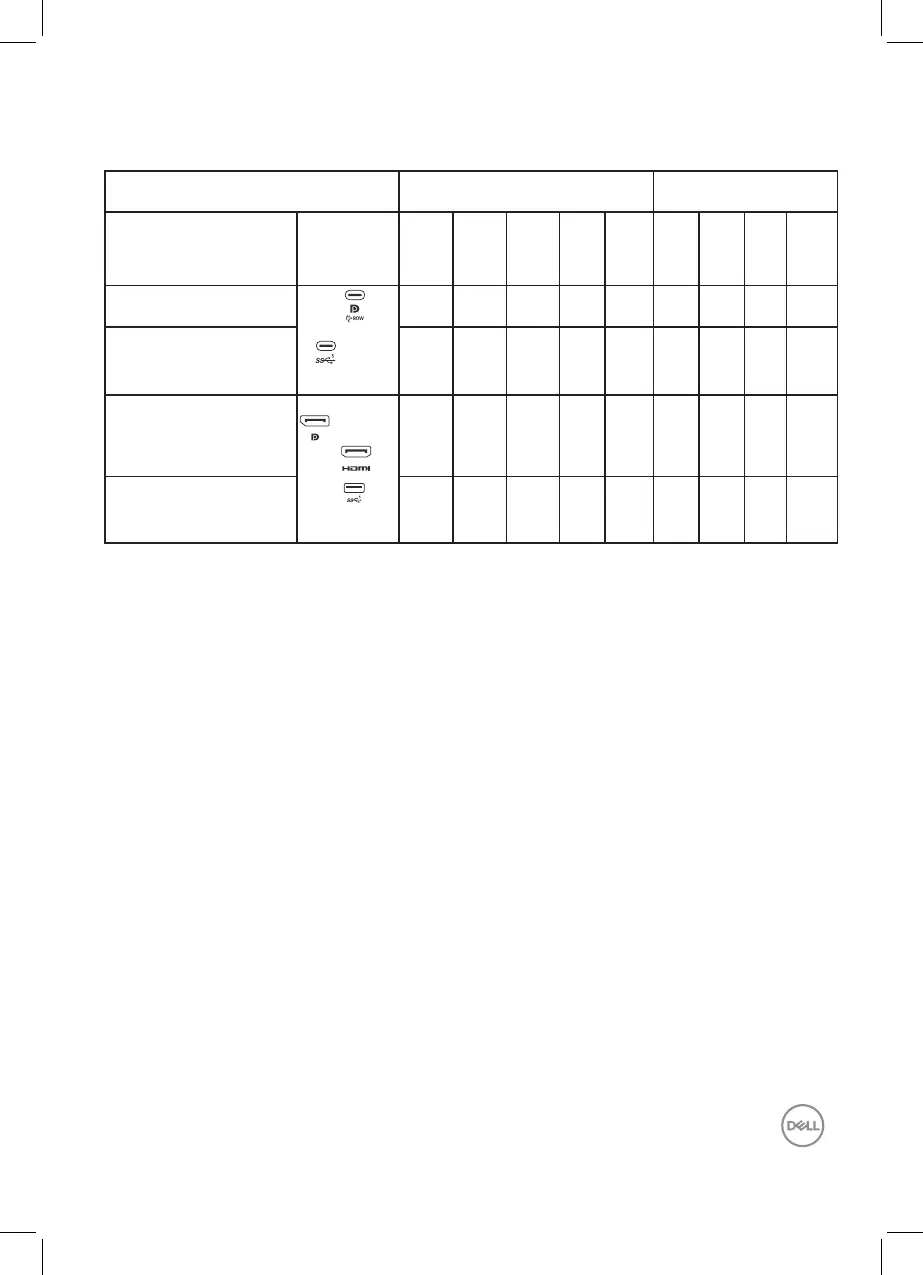
1. Your PC connectivity supported by P2424HT 2. Cables required to connect P2424HT 3. Enabled features on
P2424HT
Use case Port logo (for
reference)
USB-C to
USB-C
Connecting
your
monitor
USB-C to
USB-A
Connecting
your
monitor
DisplayPort
or HDMI
(1)
Connecting
your
monitor
RJ45
(2)
Power
cords
Operating
the
monitor
PC
charging
DPBS
Dell
Power
Button
Sync
(DPBS)
Touchs-
creen
Network
(2)
(WOL/
PXE/
MAPT
(3)
)
Case1. Notebook has USB-C
port(s)
USB-C
or
Yes Yes Yes Yes Yes
(3)
Yes Yes
Case2. Notebook connected
with USB-C docking, docking
has USB-C port(s)
Yes Yes Yes
(4)
Yes
(3)
Yes Yes
Case3. Notebook connected
with USB-C docking, docking
has USB-A and DisplayPort/
HDMI ports
DisplayPort
HDMI
USB-A
Yes Yes Yes Yes
(4)
Yes Yes
Case4. Notebook/Desktop
with USB-A and DisplayPort/
HDMI ports
Yes Yes Yes Yes Yes Yes
(1)
Included for selected countries only.
(2)
If ethernet network available.
(3)
Dell selected platform only. Check in dell.com for DPBS compatibility models.
(4)
If USB-C docking supports PC charging as well.



 To Next Page