70 │ Operating the monitor
Using the joystick control
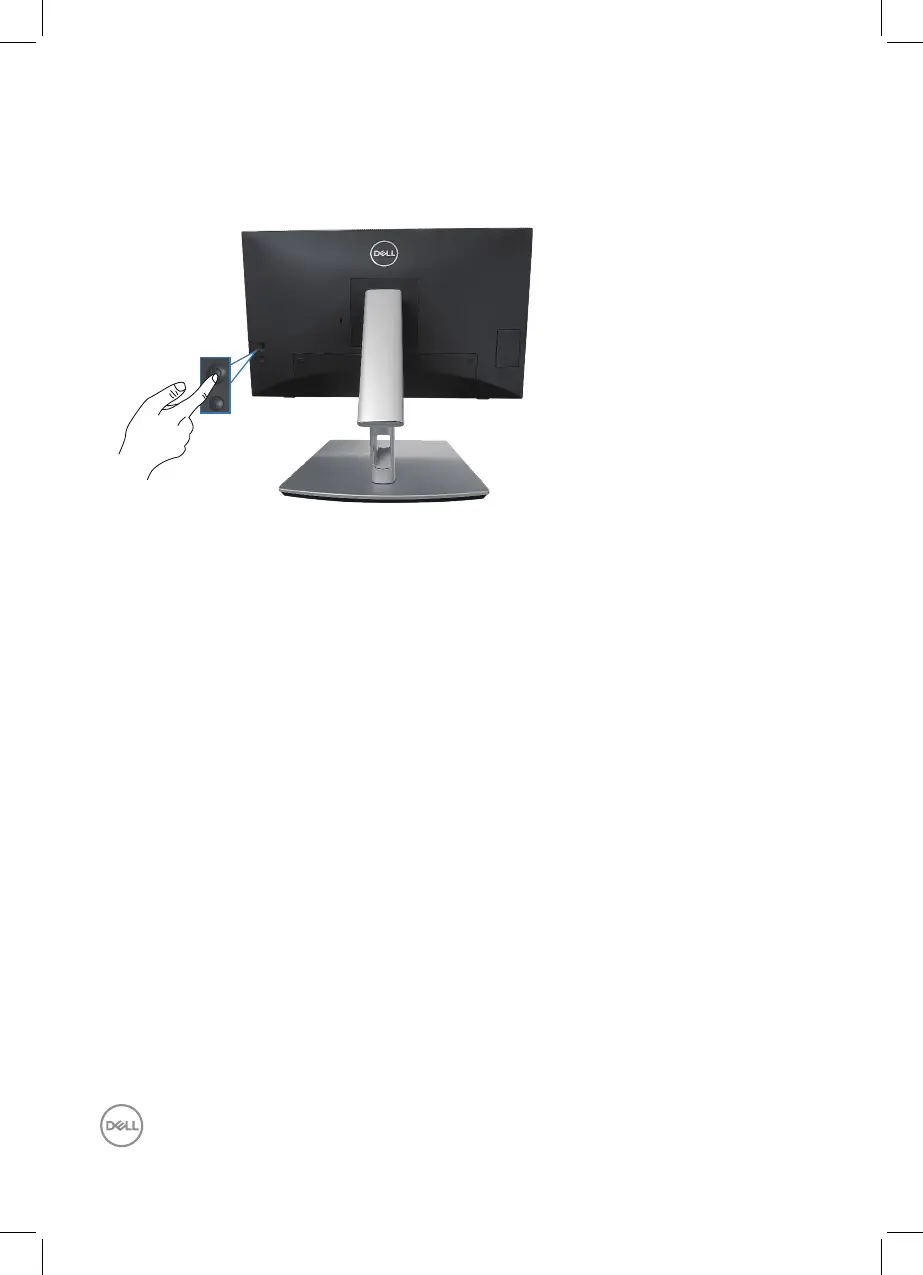
Use the joystick control on the rear of the monitor to make On-Screen Display
(OSD) adjustments.
1.
Press the joystick to launch the Menu Launcher.
2.
Move the joystick up/down/left/right to toggle between options.
3.
Press the joystick again to confirm the selection.



 To Next Page