Setting up the monitor │ 57
Dell Power Button Sync (DPBS)
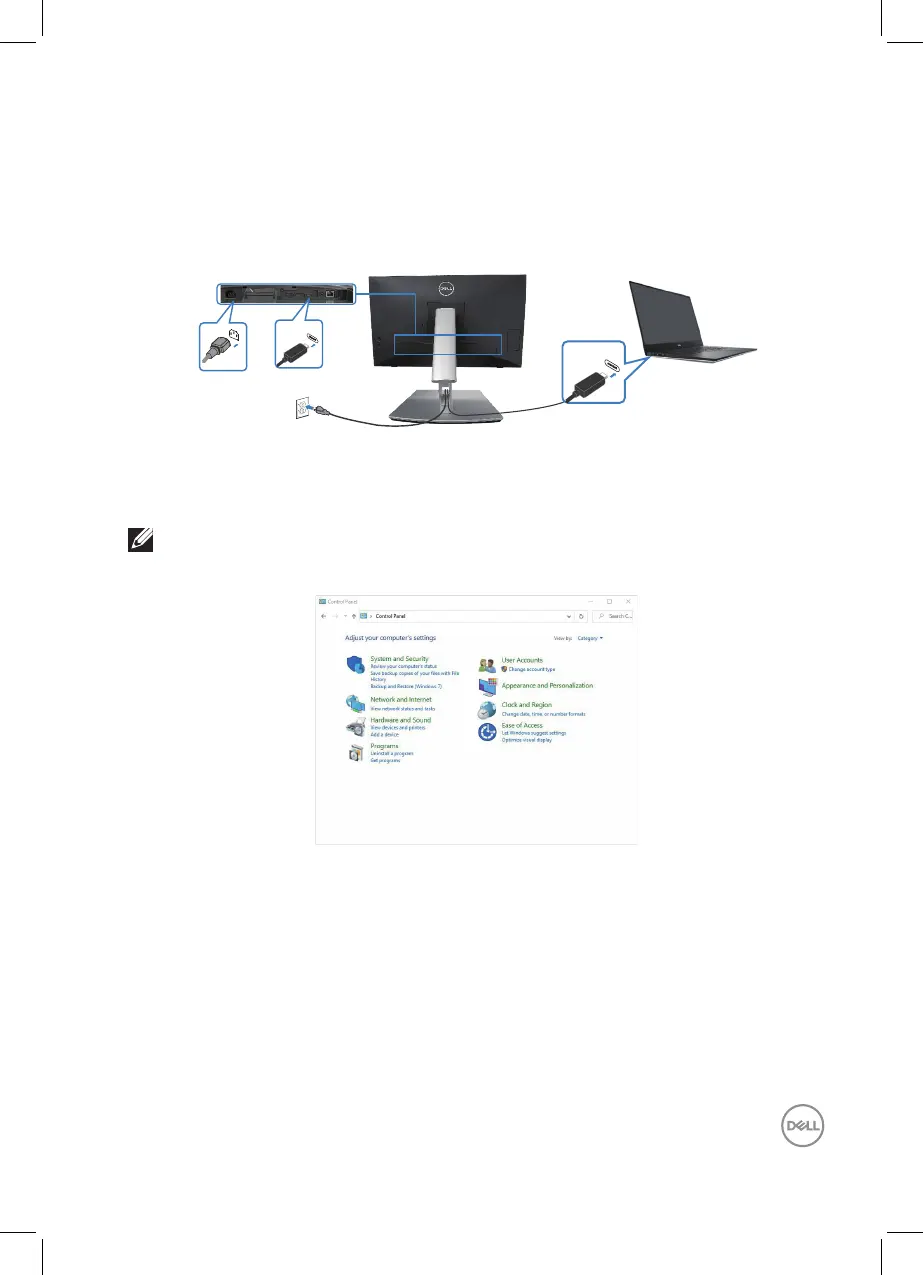
Your monitor is designed with Dell Power Button Sync (DPBS) feature to allow you
to control PC system power state from the monitor power button. This feature is
only supported with Dell platforms which has built-in DPBS function, and is only
supported over USB-C interface.
USB-C
USB-C
To make sure the DPBS function works for the first time, perform the following
steps on the DPBS supported platform in the Control Panel first.
NOTE: DPBS only supports the USB-C upstream port.
1.
Go to Control Panel.



 To Next Page