Setting up the monitor │ 63
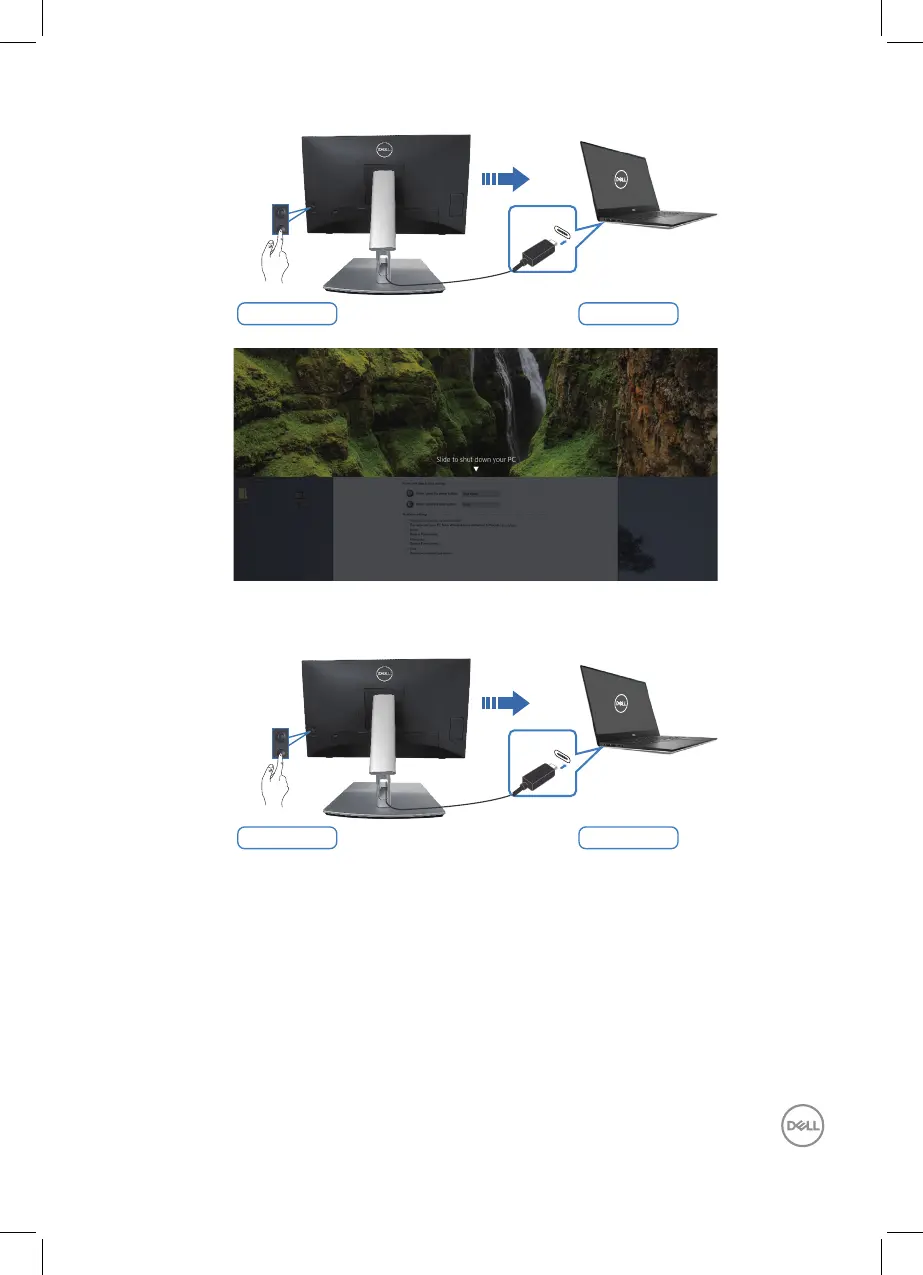
Press and hold 4s PC will shut down
USB-C
• When the monitor and the PC power state are both ON, press and hold the
monitor power button for 10 seconds, the PC will shut down.
Press and hold 10s PC will shut down
USB-C
Connecting the monitor for USB-C
The Dell PC* Ultra platform has two USB-C ports, so both Monitor 1 and Monitor 2
power state can sync with the PC.
When the PC and two monitors are in an initial ON power state, pressing the power
button on Monitor 1 or Monitor 2 will turn OFF the PC, Monitor 1, and Monitor 2.
*Ensure to check the Dell PC for DPBS supportability.



 To Next Page