36 │ About your monitor
5.
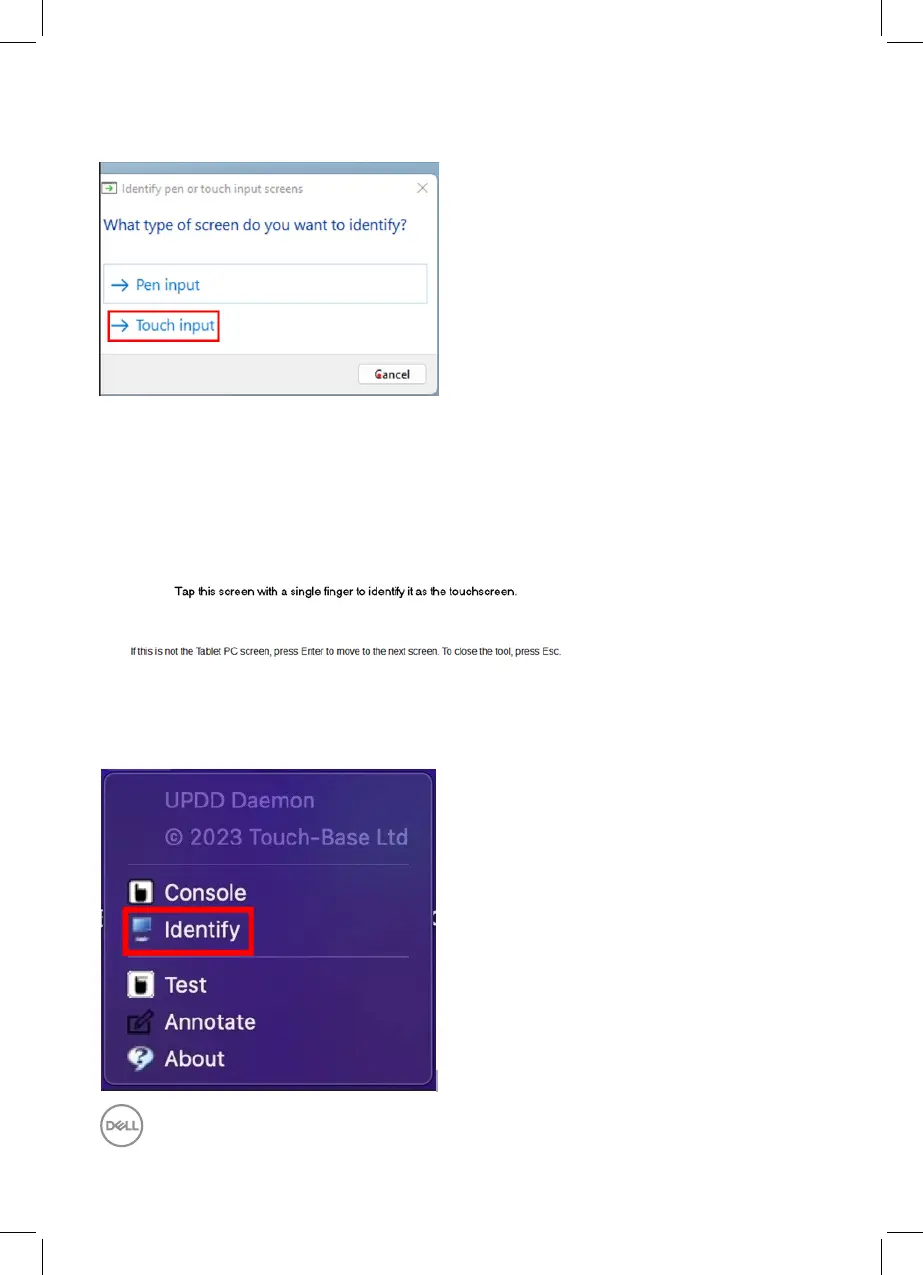
Identify pen or touch input screens – Select →Touch input.
6.
Follow the indication of your system to identify the multi touch.
a.
If the monitor matches to the one you want, please use your finger touch
the monitor.
b.
If the monitor dose not match to the one you want, please press “enter” to
bypass this monitor and repeat the action on the next monitor.
Setting in Mac
1.
Search “Identify” in UPDD Daemon to identify multi touch monitors.



 To Next Page