64 │ Operating the monitor
Contrast (Sub) Select to adjust the contrast level of the picture in
PIP/PBP mode.
Move the joystick to adjust the contrast level from '0'
to
'100'.
NOTE: T
he option is available only when the PIP/
PBP mode is enabled.
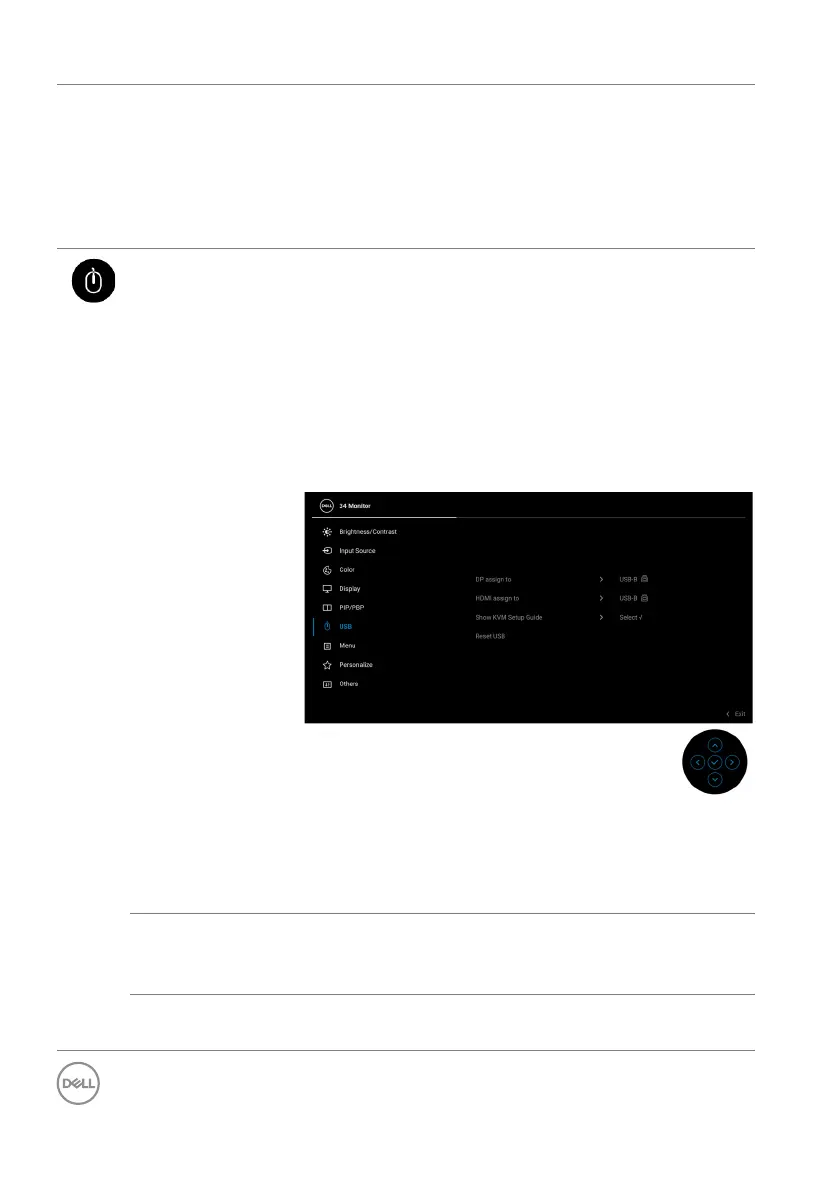
USB Allows you to assign the USB upstream port for the
input signals (DP or HDMI), thus the monitor's USB
downstream port (e.g. keyboard and mouse) can be
used by the current input signals when you connect a
computer to the upstream port. See also Setting the
KVM switch for details.
Press the joystick to confirm the selection.
When you use only one upstream port, the
con
nected upstream port is active.
NOTE: To prevent data damage or loss, before
unplugging the USB upstream port, make sure that
NO USB storage devices are in use by the computer
connected to the monitor’s USB downstream port.
Show KVM
Se
tup Guide
Select this option and follow steps if you want to
connect multiple computers to the monitor and use
one setup of keyboard and mouse.
Reset USB Resets all settings under the USB
menu to the
factory preset values.



 To Next Page