Operating the monitor │ 65
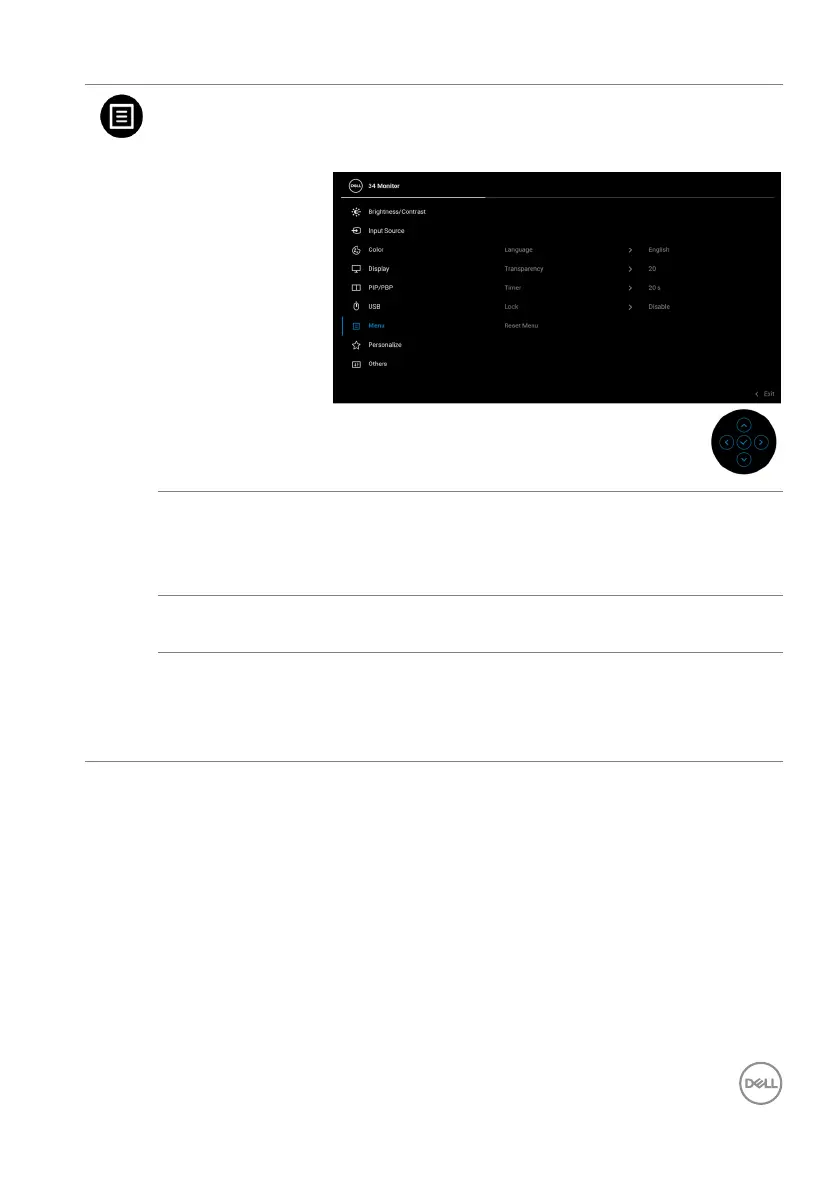
Menu Select this option to adjust the settings of the OSD,
such as, the languages of the OSD, the amount of
time the menu remains on screen, and so on.
Language Sets the OSD display to one of the eight languages
(English, Spanish, French, German, Brazilian
Portuguese, Russian, Simplified Chinese, or
Japanese).
Tra ns pare ncy Select this option to change the menu transparency
b
y moving the joystick (min. 0 / max. 100).
Tim er Sets the length of time the OSD will remain active
a
fter the last time you pressed a button.
Move the joystick to adjust the slider in 1 second
i
ncrements, from 5 to 60 seconds.



 To Next Page