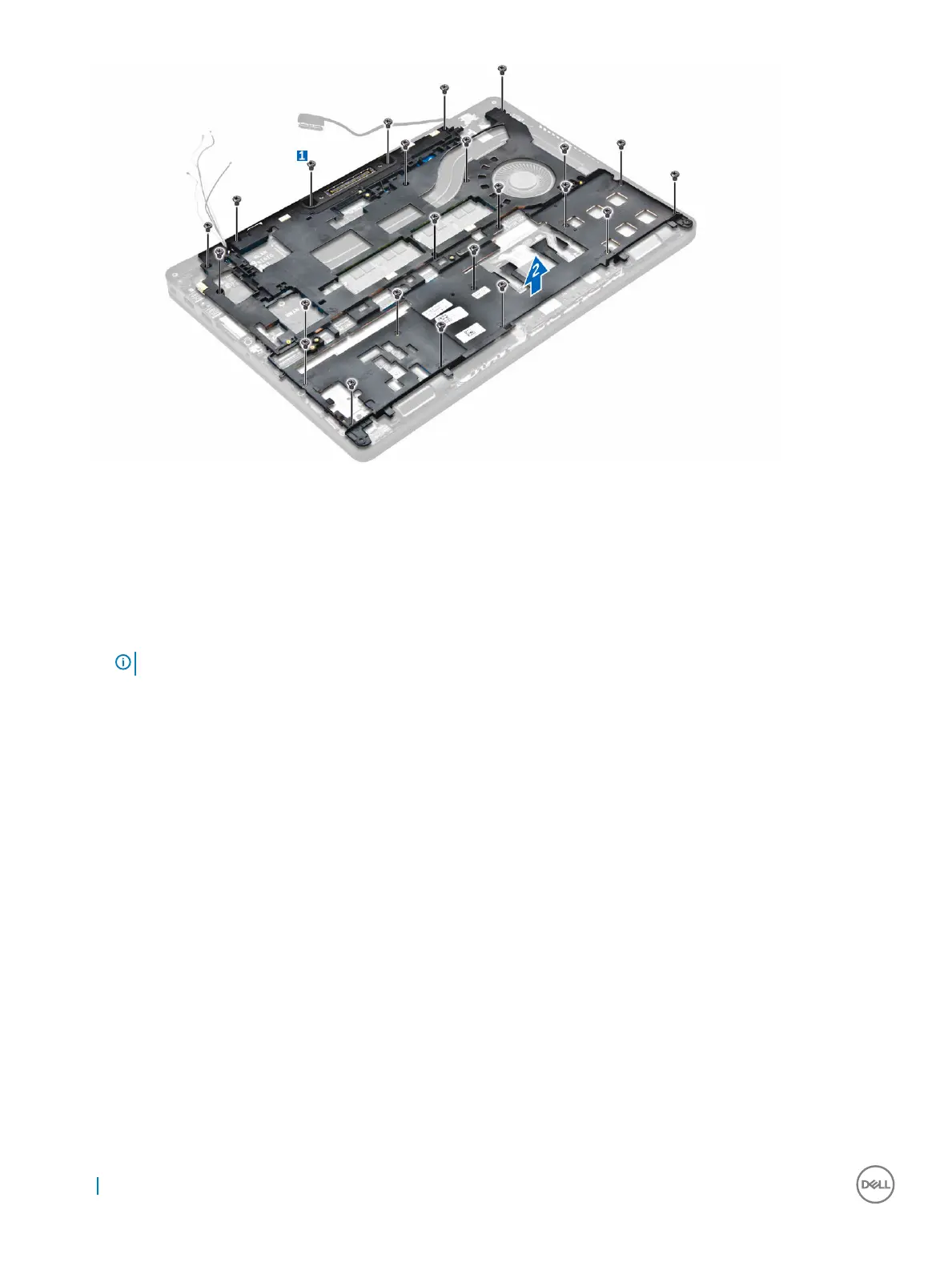
Installing the dock frame
1 Place the dock frame on the computer and tighten the screws.
2 Connect the eDP cable.
3 Place the metal bracket and tighten the screw.
4 Connect the keyboard cable.
5 Place the SSD plate and tighten the screw to secure it.
NOTE
: Step 5 is required only if the PCIe SSD card is removed.
6 Tighten the screws to secure the dock frame to the computer.
7 Install the:
a WWAN card
b WLAN card
c hard drive assembly or M.2 SSD or PCIe SSD
d battery
e base cover
8 Follow the procedure in After working inside your system.
Removing the touchpad button
1 Follow the procedure in Before working inside your computer.
2 Remove the:
a base cover
b battery
c dock frame
3 To remove the touchpad button:
a Lift the latch and disconnect the touchpad button cable from the connector [1] [2].
b Remove the screws that secure the touchpad button [3].
c Lift and remove the touchpad button away from the computer [4].
26
Removing and installing components



 To Next Page