g keyboard
h memory module
i battery
j base cover
k SIM card
6 Follow the procedure in After working inside your computer.
Removing the palmrest
1 Follow the procedure in Before working inside your computer.
2 Remove the:
a SIM card
b base cover
c battery
d memory
e hard drive assembly or M.2 SSD or PCIe SSD
f keyboard
g WLAN
h WWAN
i dock frame
j heat sink assembly
k power connector port
l system board
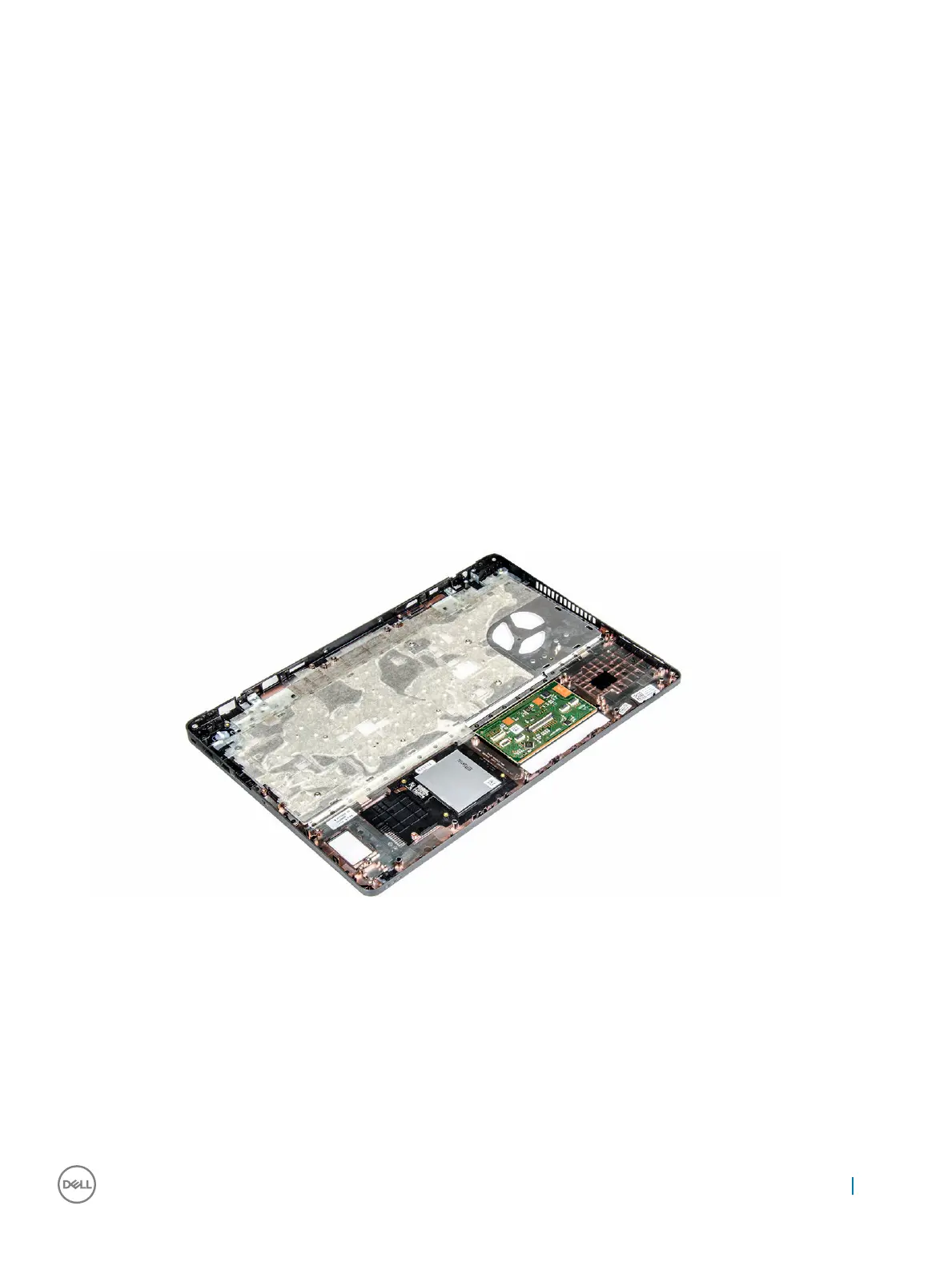
3 The palmrest is the remaining component, after removing all the components.
Installing the palmrest
1 Align the palmrest on the computer.
2 Install the:
a system board
b power connector port
c dock frame
d WLAN
e heat sink assembly
f WWAN
g hard drive assembly or M.2 SSD or PCIe SSD
Removing and installing components
35



 To Next Page