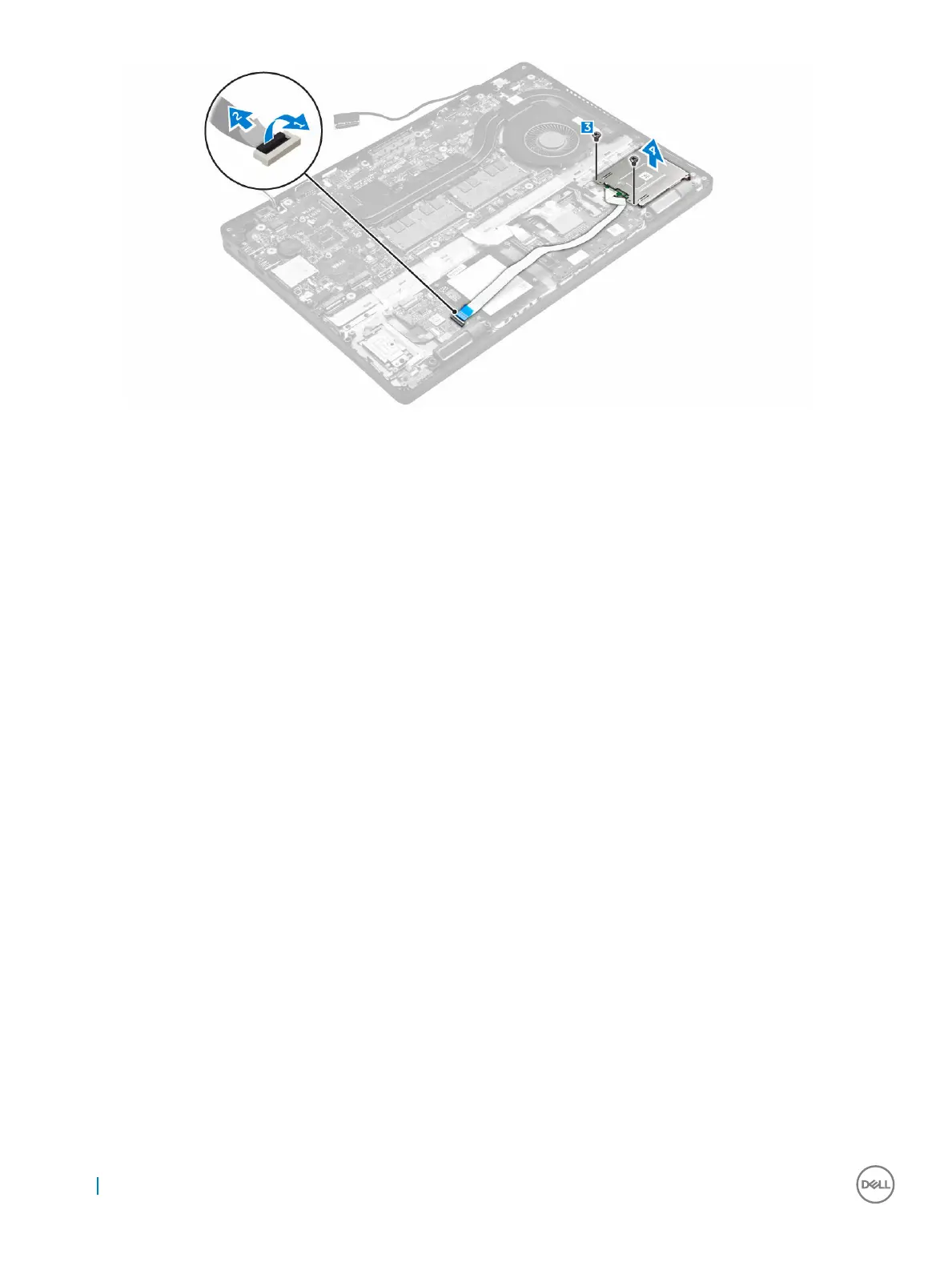
Installing the optional SmartCard reader board
1 Insert the SmartCard reader board into the slot on the computer.
2 Tighten the screws to secure the SmartCard reader board to the computer.
3 Connect the SmartCard reader cable to the connector on the USH board.
4 Install the:
a dock frame
b WWAN card
c WLAN card
d hard drive assembly or M.2 SSD or PCIe SSD
e battery
f base cover
5 Follow the procedure in After working inside your computer.
Removing the optional finger print reader board
1 Follow the procedure in Before working inside your computer.
2 Remove the:
a base cover
b battery
c hard drive assembly or M.2 SSD or PCIe SSD
d WLAN card
e WWAN card
f dock frame
3 To remove the finger print reader board:
a Remove the screw to release the metal bracket that secures the finger print reader board to the computer [1].
b Lift the metal bracket from the computer [2].
c Disconnect the finger print reader cable from the finger print reader board [3] [4].
d Lift the finger print reader board from the computer [5].
28
Removing and installing components



 To Next Page